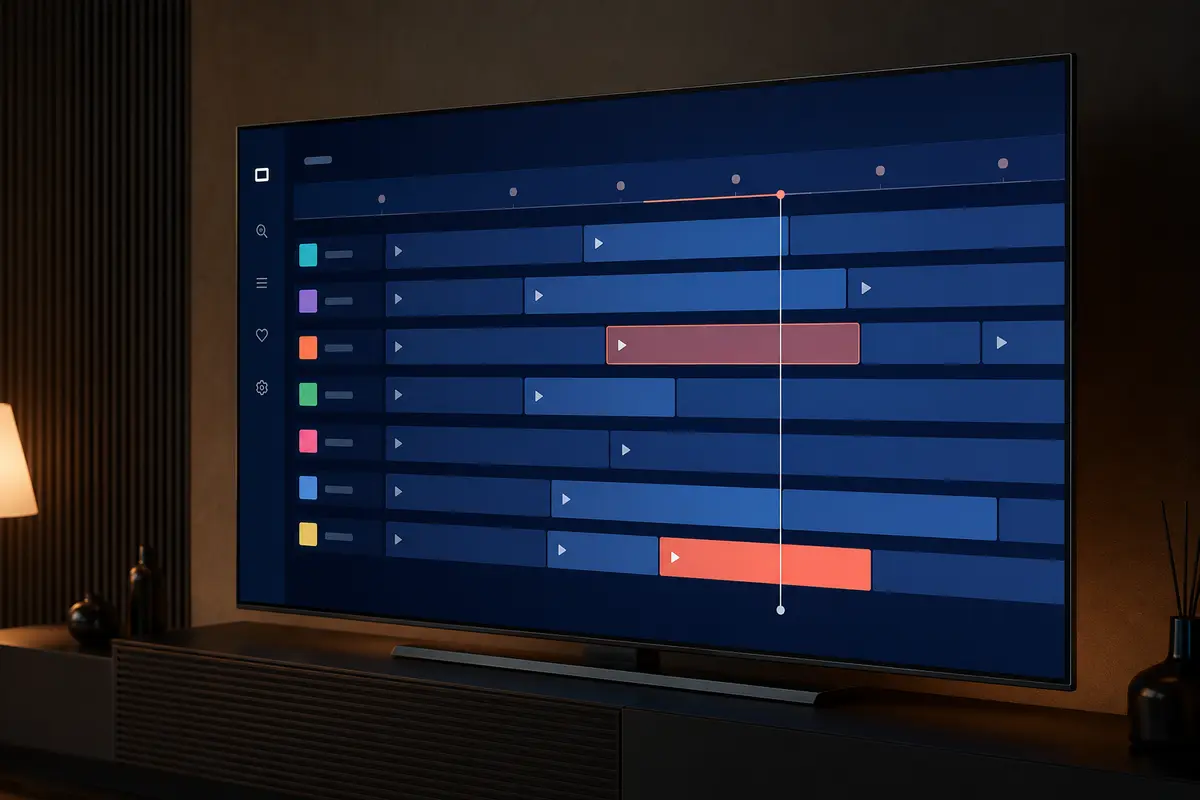
An electronic programme guide combines channel identifiers, schedule data, time-zone rules and the player's local database. A fault in any one of those layers can produce blank rows or programmes at the wrong time.
Use this guide in order. It starts with source checks and ends with destructive steps, so you do not erase a working playlist unnecessarily.
Identify the Exact EPG Symptom
Separate a completely blank guide from a guide that is delayed, mapped to the wrong channel or missing data for only a few stations. Each pattern points to a different layer.
- No guide on any channel
- Only some channels are blank
- Programmes appear one hour early or late
- Names map to the wrong channel
- Guide loads and then disappears
Confirm the Live Playlist Still Works
Open several unrelated live streams. If the account or playlist itself does not load, repair that connection before troubleshooting guide data. An EPG refresh cannot authenticate an expired or incorrectly entered account.
Check Date, Time Zone and Daylight Saving
Set the device to automatic network time and the correct local zone. In the UK, daylight-saving changes can expose an incorrect fixed-offset setting. Restart the app after changing time settings.
- Automatic date and time enabled
- Correct region selected
- Player EPG offset reset to zero
- No duplicate manual offset
Refresh the Playlist Before the EPG
Where the player separates playlist and programme-guide updates, refresh the playlist once and then the EPG. Allow the operation to finish. Repeatedly closing the app can leave a partial local database.
Review M3U and XMLTV Mapping
M3U-based setups may use a separate XMLTV address. The channel identifiers in both files must correspond. If only particular channels are blank, send their exact display names to support so mapping can be checked.
Do not paste either URL into public validation websites because it may contain account credentials.
Clear Only the EPG Cache First
If the player provides separate controls, clear guide data rather than the entire app. A full data clear removes playlists, favourites and settings. Record the login method before taking that step.
Check Storage and Update the Player
A large guide database needs free storage. Remove unused downloads, update the player from its verified source and restart the device. On an older Smart TV, a smaller category selection may make guide updates more reliable.
Escalate With Useful Details
Provide the device, player and version; whether all or some channels are affected; a few exact channel names; your time zone; the last successful refresh; and a screenshot without credentials. This lets support separate mapping from device issues.
Use a Guide Mapping Worksheet
For five affected stations, record the name shown in the live list, whether playback works, whether an EPG row exists and whether the schedule belongs to another channel. Add one known-good station for comparison. This gives support concrete identifiers and reveals whether the problem is global, regional or limited to a naming mismatch.
If the player exposes a channel-to-EPG assignment tool, change only one test channel and take note of the original selection. Manual mappings can be lost when the playlist refreshes, so a provider-side correction is preferable for a widespread mismatch.
- Exact channel display name
- Current programme shown or blank
- Observed time offset
- Player and version
- Last successful update
Prevent Repeated EPG Failures
Leave enough free storage for guide and poster databases, allow scheduled refreshes to finish and avoid battery or background restrictions that stop a mobile player mid-update. Keep device time automatic unless a documented environment requires something else.
After a daylight-saving change, remove old manual offsets before adding a new one. Multiple corrections can stack. If the provider changes channel identifiers, refresh the playlist before assuming the guide URL itself has failed.
Only access content you are legally entitled to view. App, category, guide, quality and replay availability can change by device, region, source and account.