
Start With Your Real Device
Test the exact television, Fire TV device, box, phone or computer you plan to use.
Explore 20 visual Sky Glass IPTV features covering live TV, VOD, EPG, replay, devices, apps, network quality, support and reseller tools.
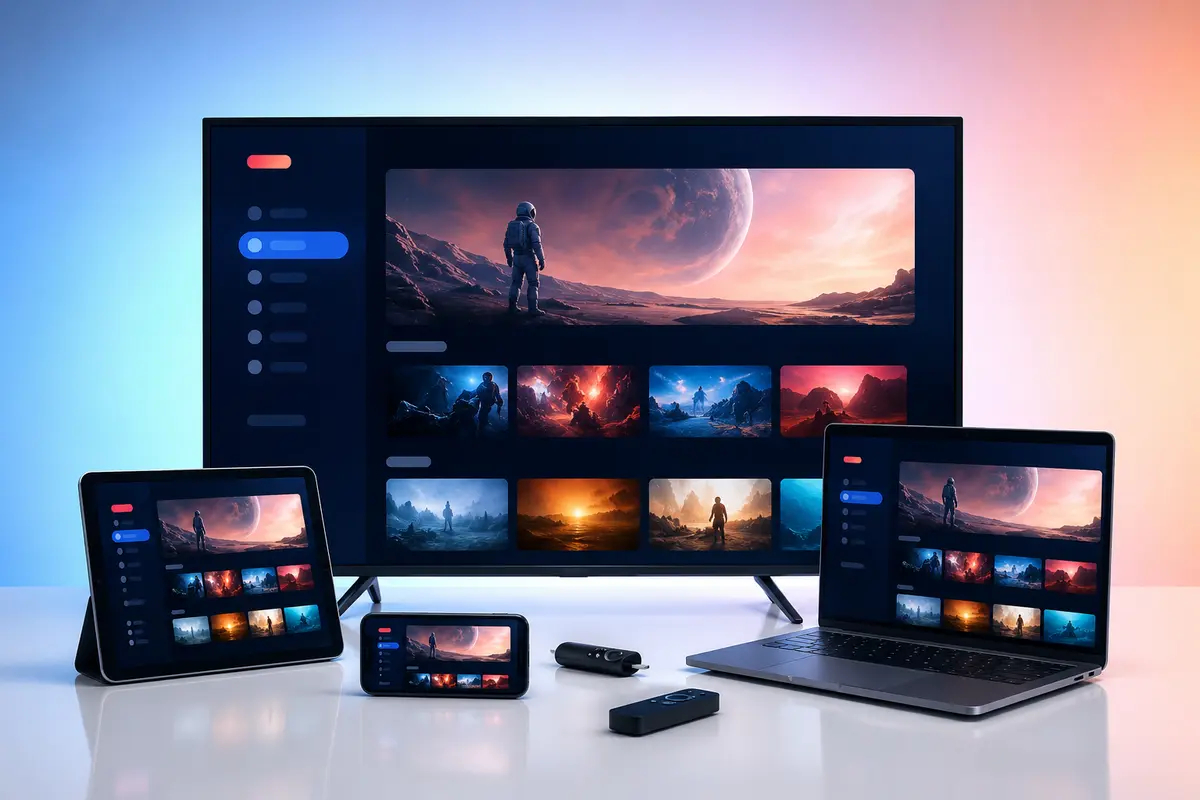
Sky Glass IPTV is the name of this independent subscription service. It is not the official Sky Glass television product and is not affiliated with or endorsed by Sky Group. Confirm content rights, app compatibility and availability for your location before ordering.
A useful comparison covers limits as clearly as benefits. This overview separates listed service information from device- and source-dependent details.
| Service area | What is listed | What to verify |
|---|---|---|
| 24-hour trial | Test the service before selecting a paid period. | Use the exact device, player and network you expect to use. |
| Live television | 15,000+ channels are listed across available regional and topic groups. | Confirm important categories with support and in the trial. |
| On-demand | 40,000+ movies and 8,000+ series are listed in the supplied catalogue figures. | Titles and metadata can change as the catalogue is refreshed. |
| Picture quality | SD, HD, Full HD and selected 4K options can be available. | Quality depends on the source, device, codec, player and bandwidth. |
| Viewing tools | EPG, catch-up, search and favourites can be available. | Each tool depends on both supplied data and player support. |
| Device support | Common Smart TV, streaming, mobile, computer and set-top platforms. | App-store availability differs by model and region. |
| Subscriptions | 1, 3, 6 and 12 months from £6. | Confirm price, connection count and policy terms before payment. |
| Reseller access | Four published packages from £180. | Confirm credit mapping, expiry and panel capabilities in writing. |
Original, brand-safe photographs explain the devices, player tools, network choices and support steps that matter in everyday use.
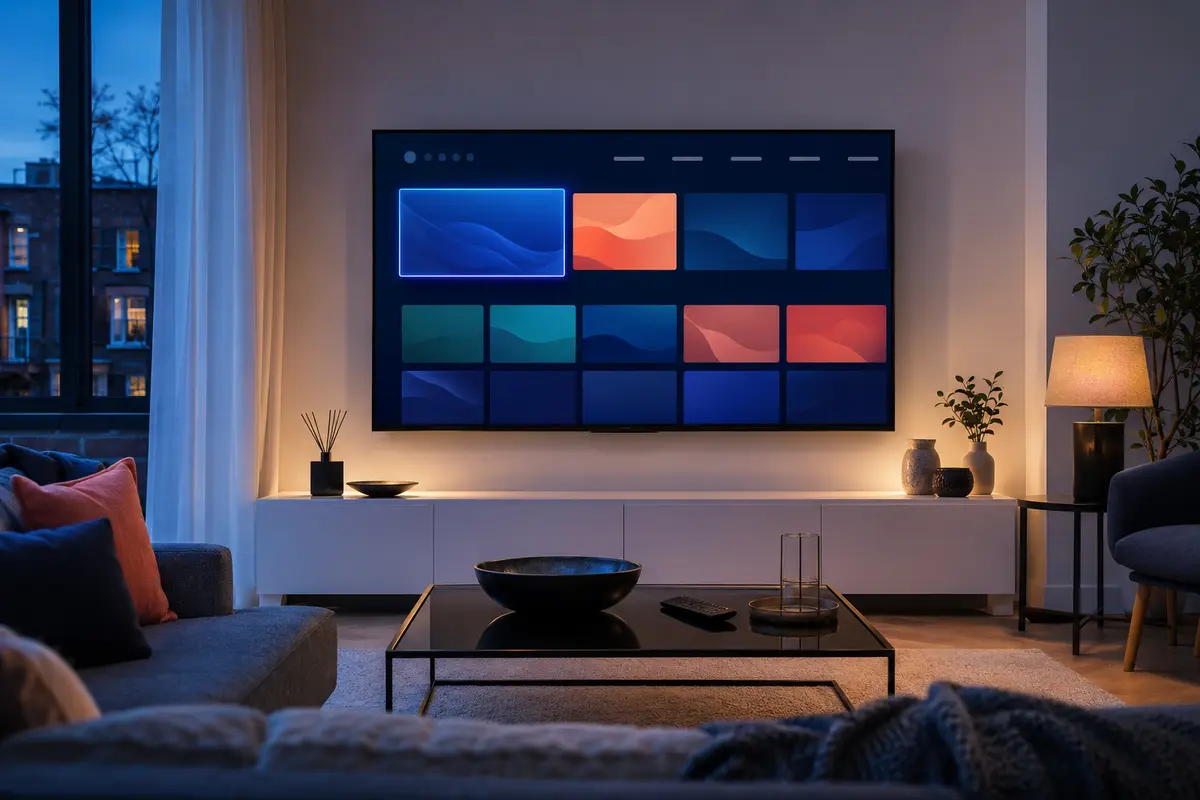
Browse available live categories in one compatible player, then save the groups you use most.

Use the trial during a real event window to check required categories, delay, picture quality and network stability.

Choose a title when it suits you and test navigation, subtitles and audio options in your selected player.
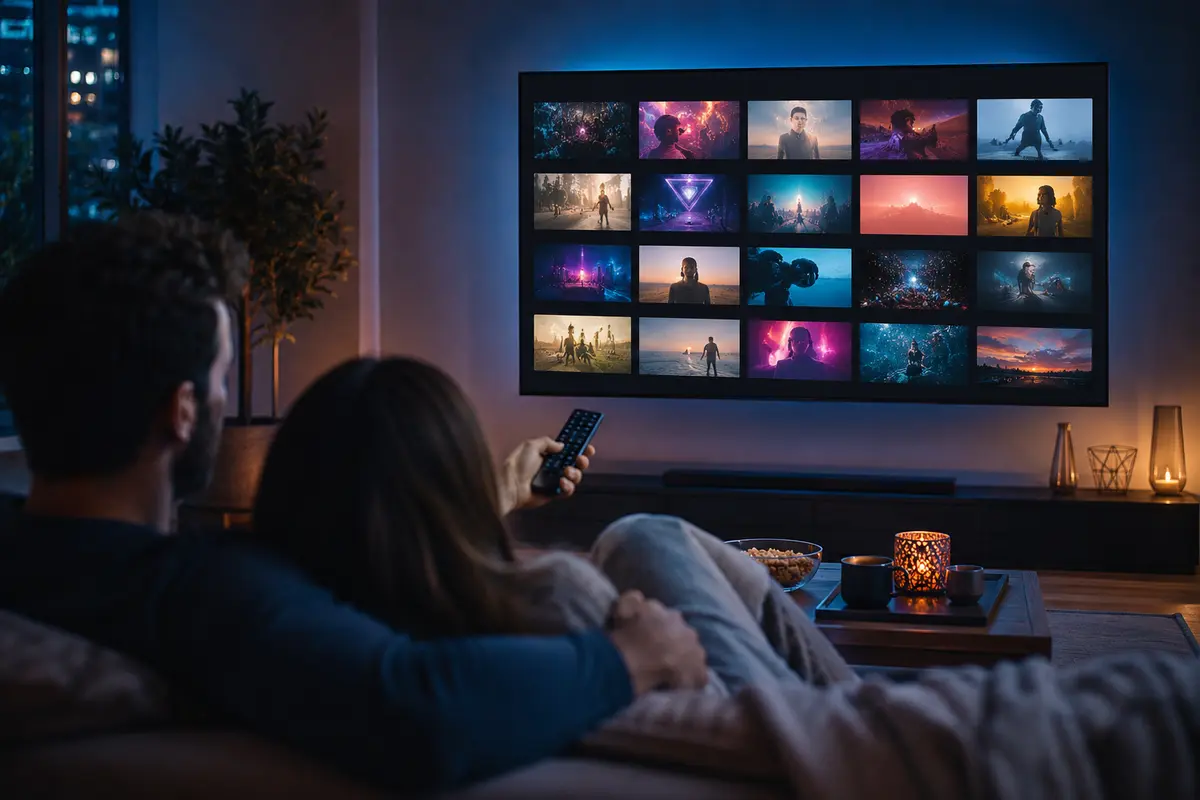
Move through genres, seasons and episodes without relying on a fixed broadcast schedule.
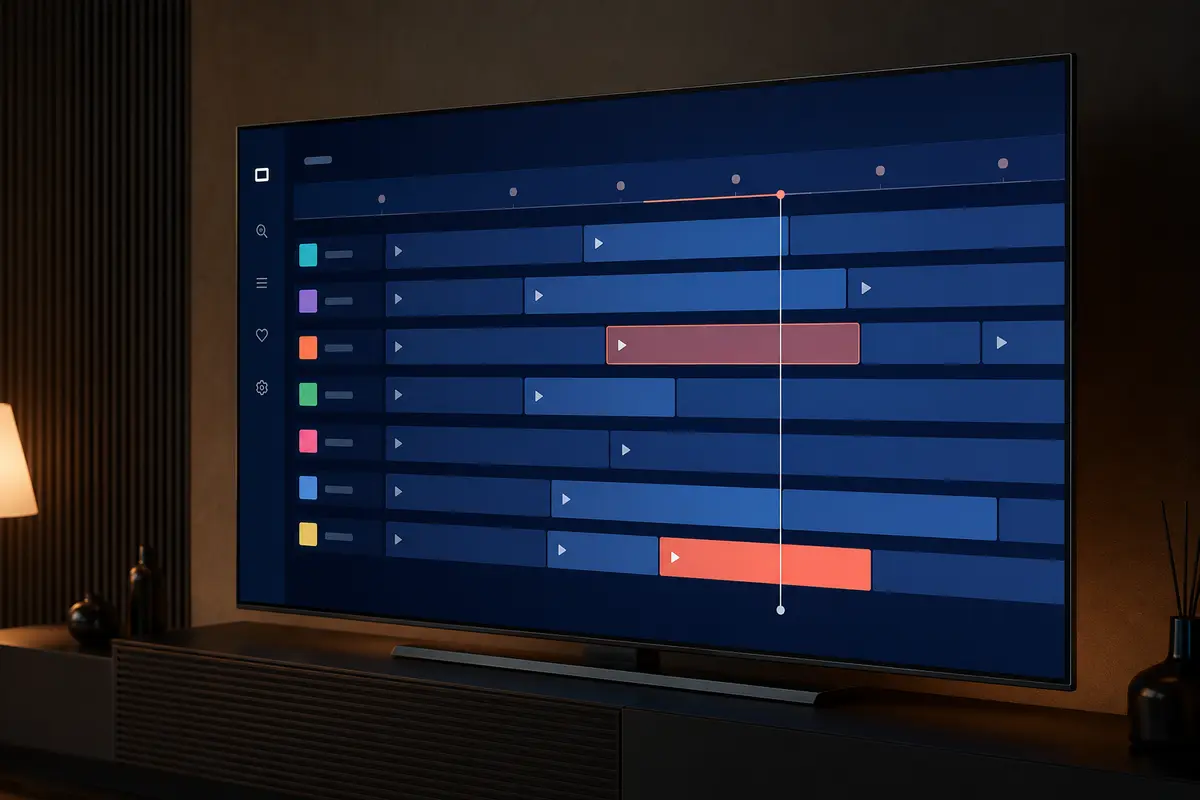
View programme times where guide data is supplied and correctly mapped by the player.
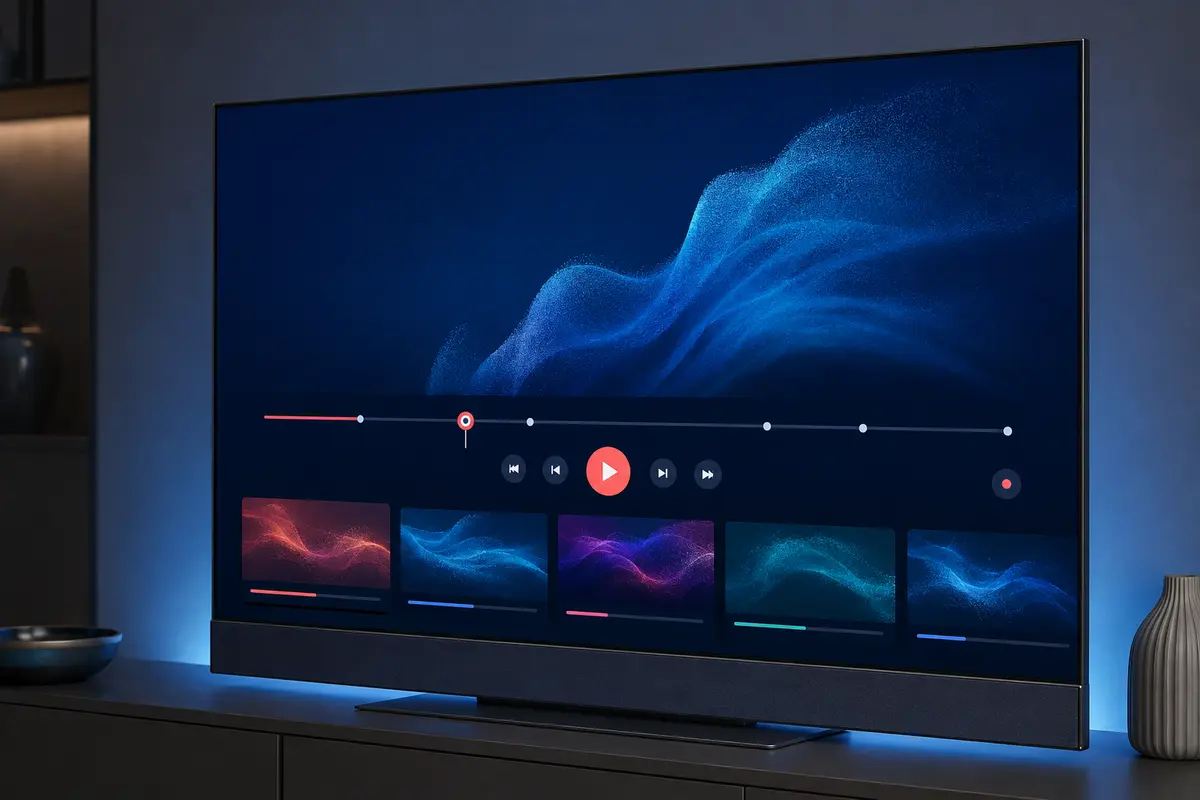
Replay eligible programmes where the stream, account and player support catch-up; duration varies.
Use compatible players across televisions, streaming devices, phones, tablets and computers.
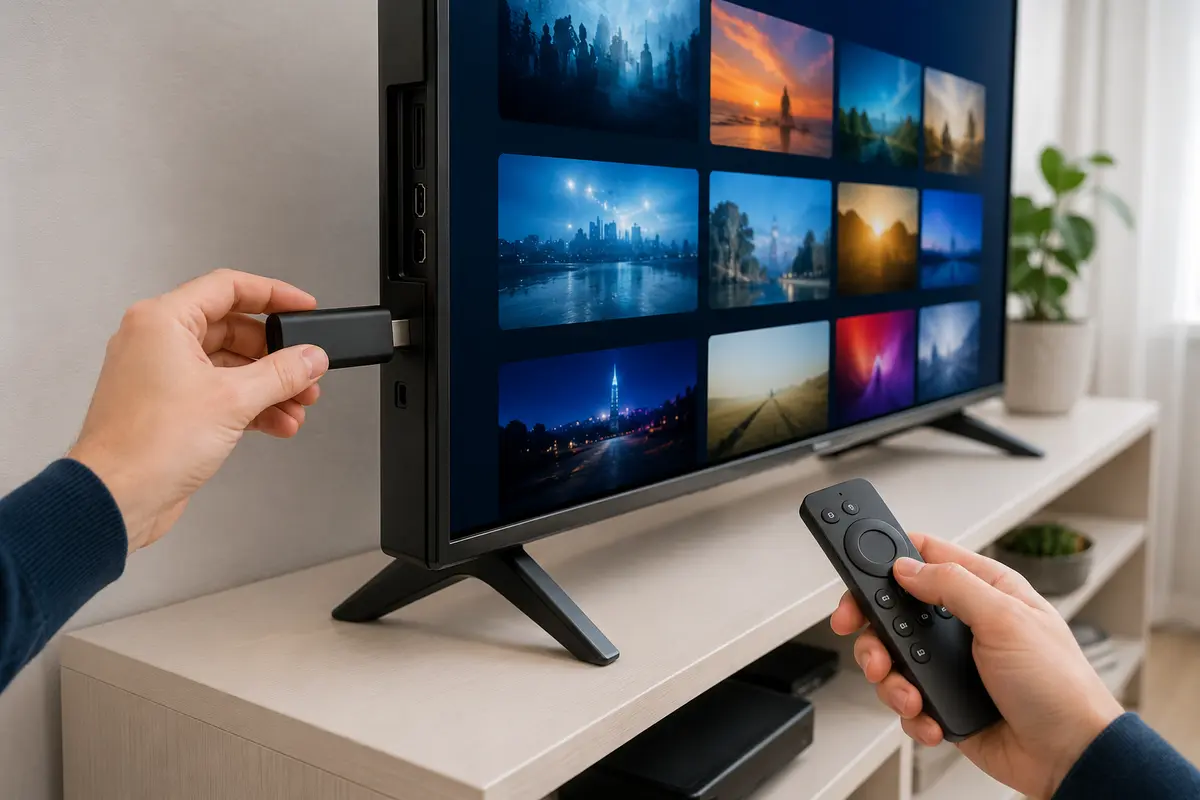
Follow a device-specific checklist, install a compatible player and enter account details carefully.
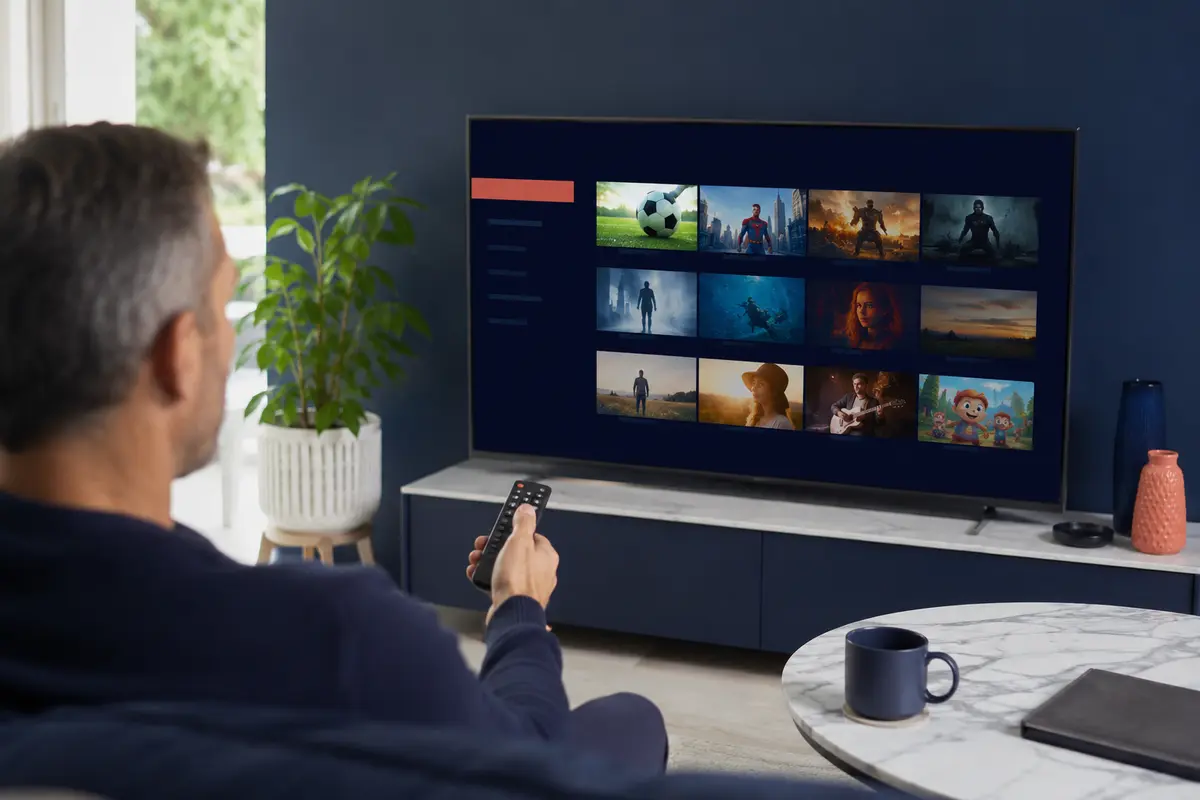
Check the app store for your exact Samsung, LG, Sony or Android-based television model.
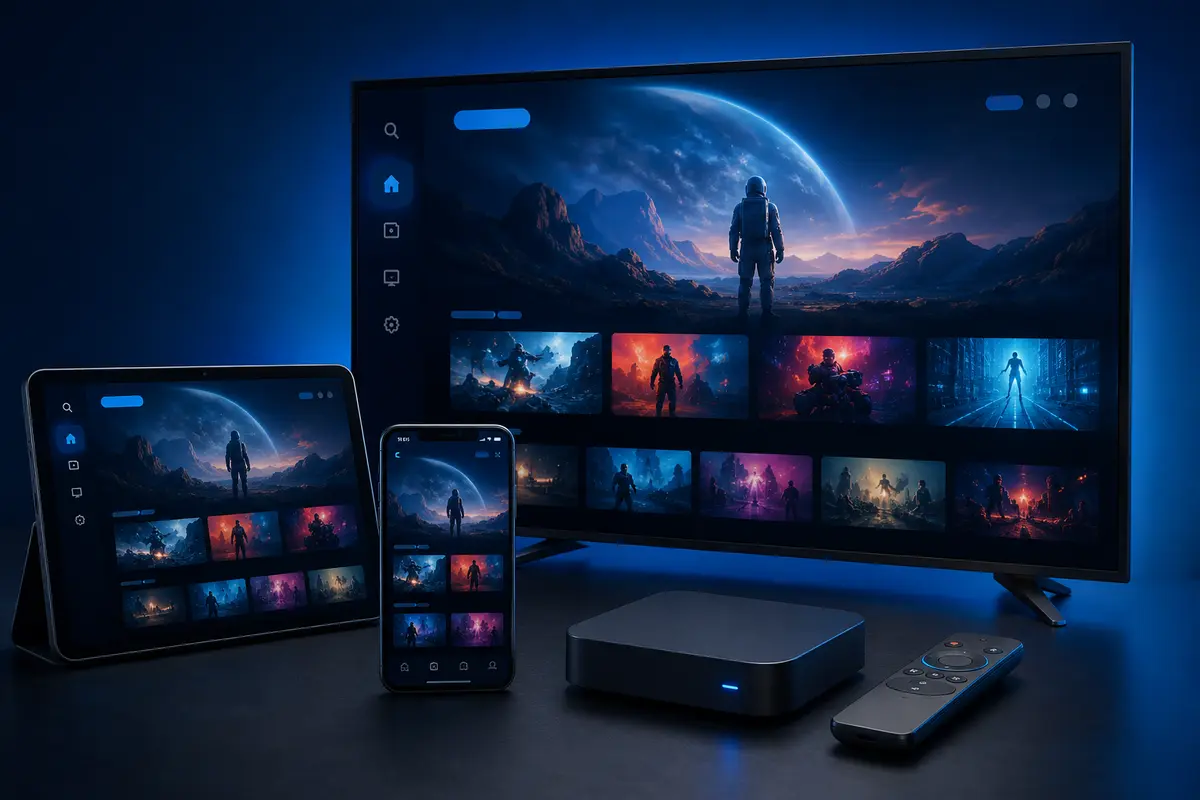
Install a supported player, select the supplied login method, refresh categories and test playback.
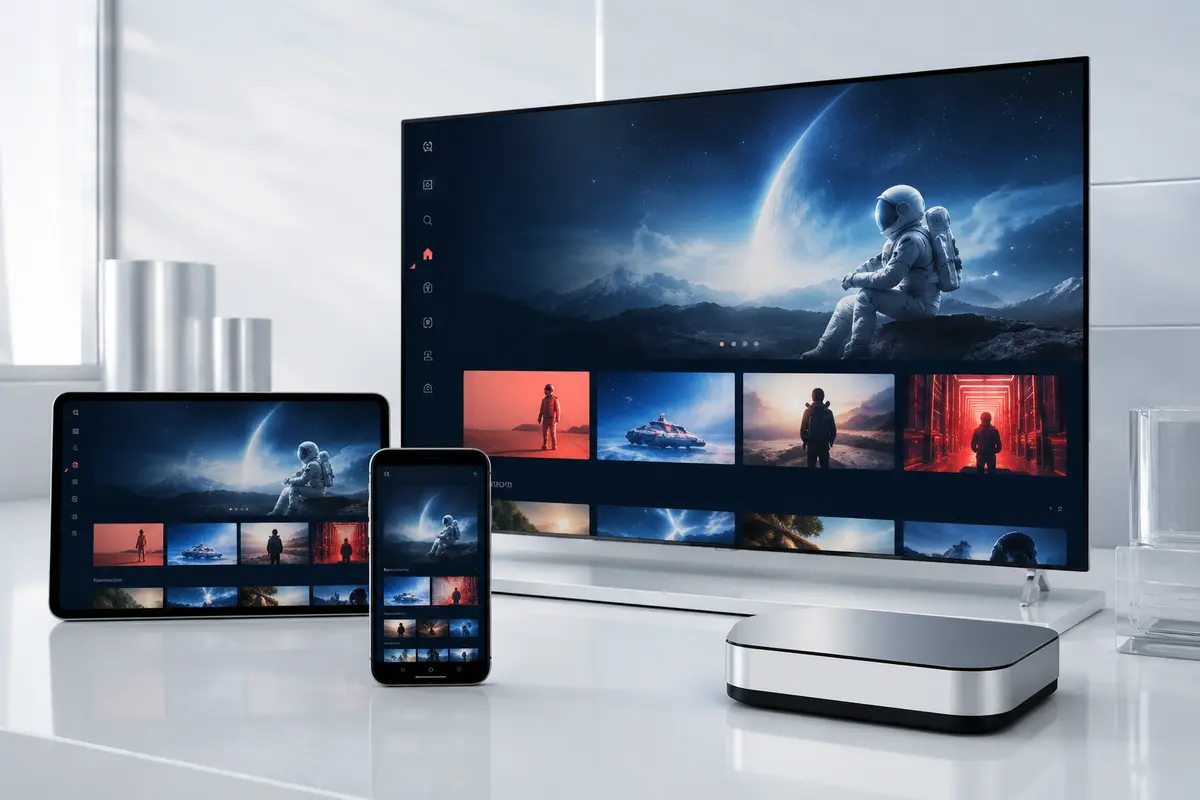
Choose an available iOS, iPadOS or tvOS player and check whether the app requires its own licence.
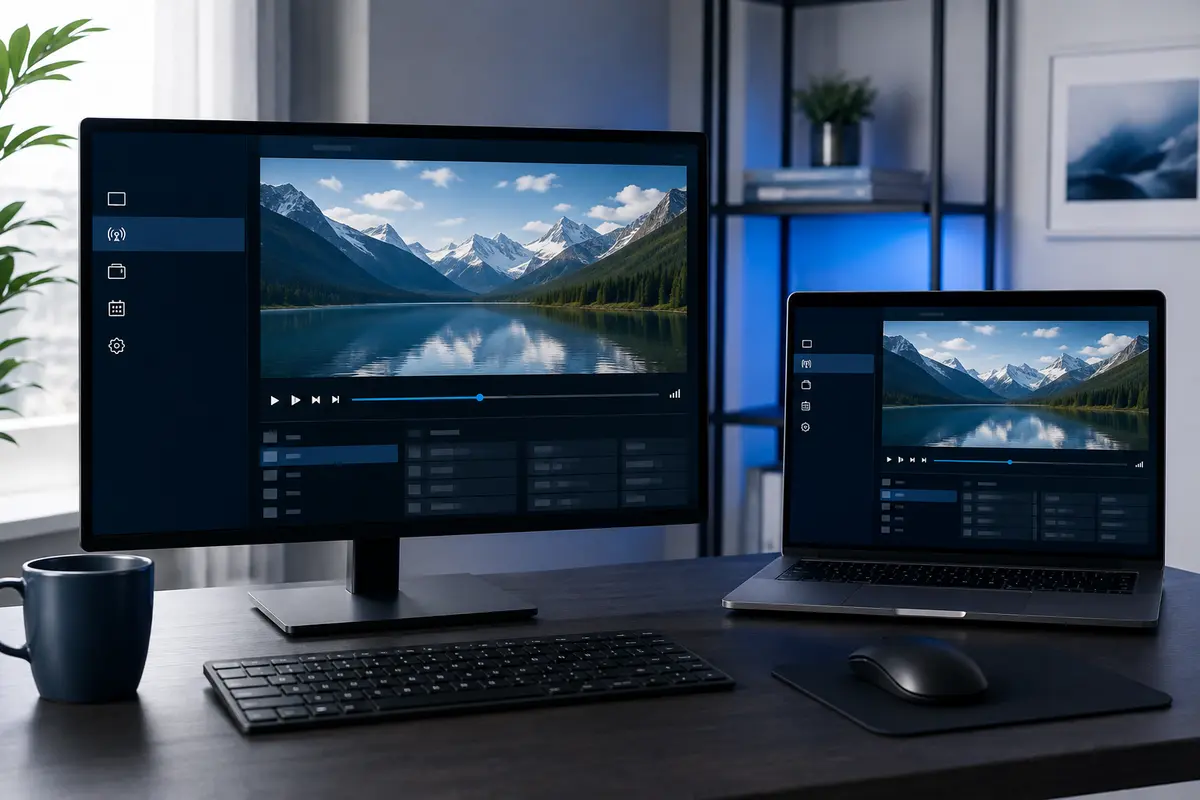
Use a compatible desktop player and keep account details private on shared computers.
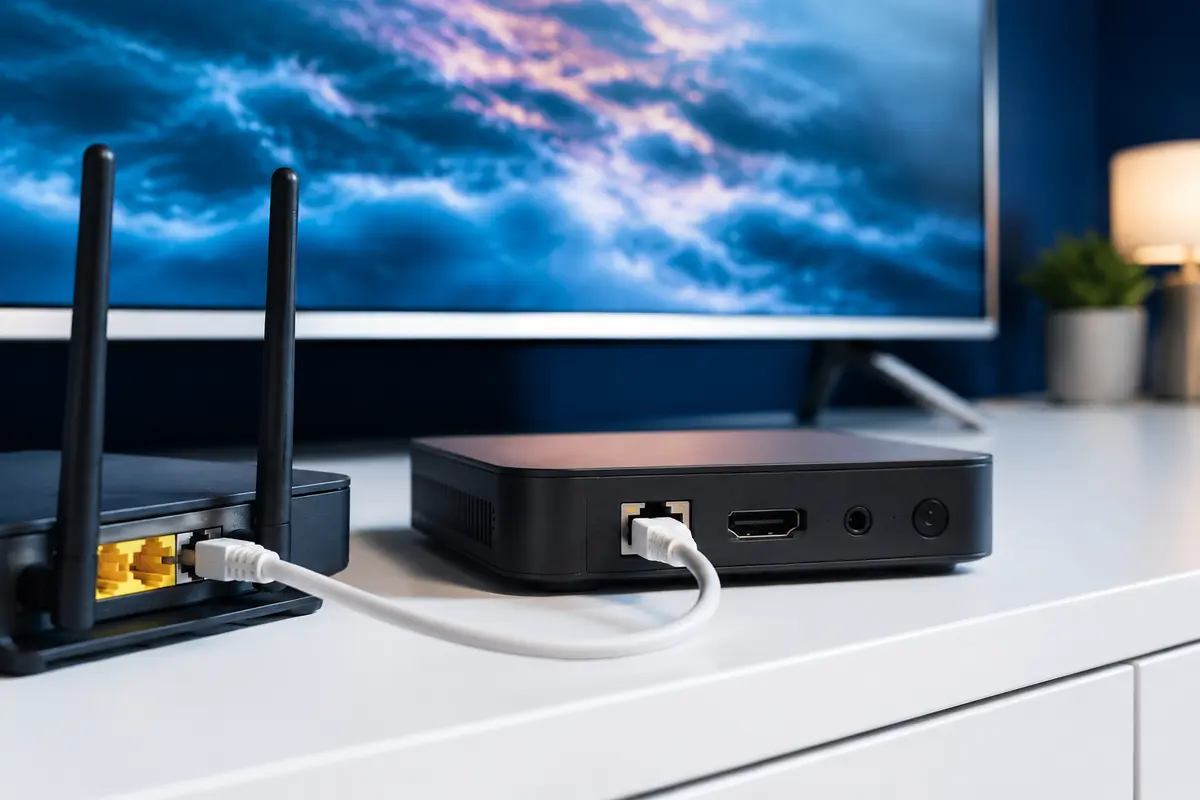
Prefer Ethernet where practical or use strong, uncongested Wi-Fi close to the router.

Match stream quality to the source, your screen, codec support and stable available bandwidth.
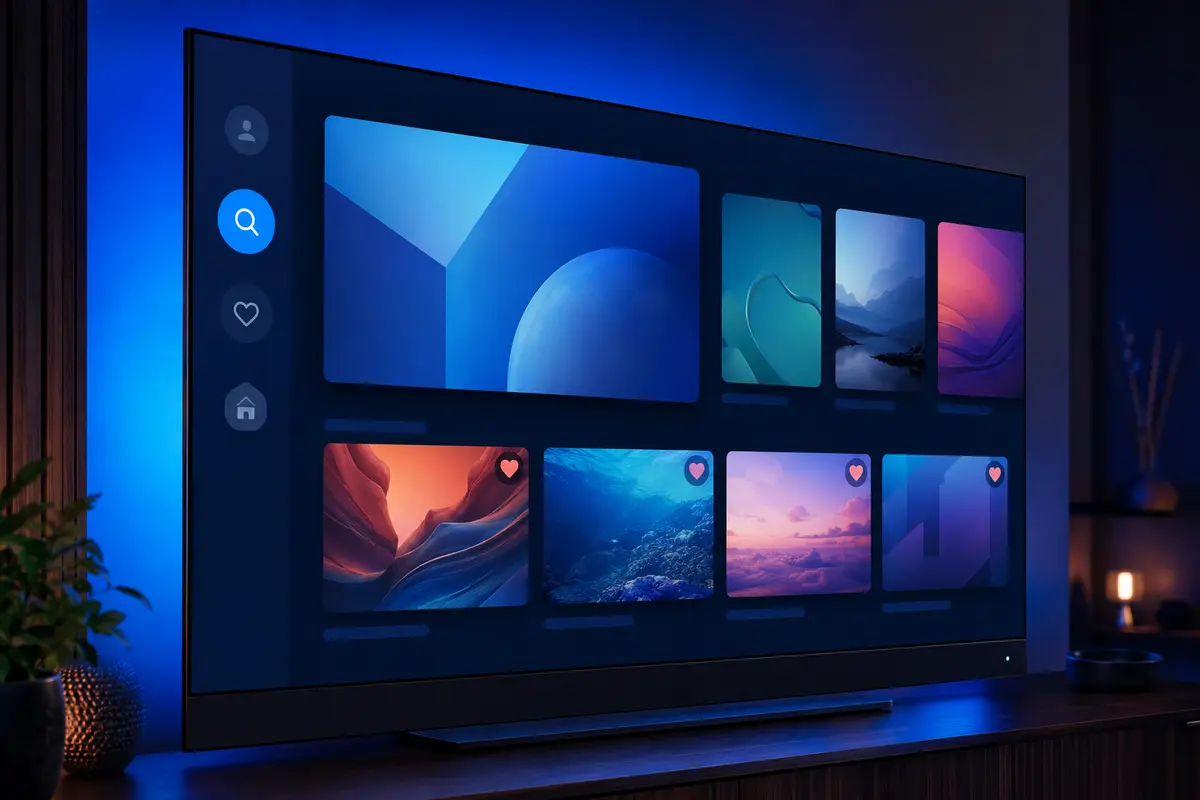
Find available programmes faster and save commonly watched items where the player supports it.
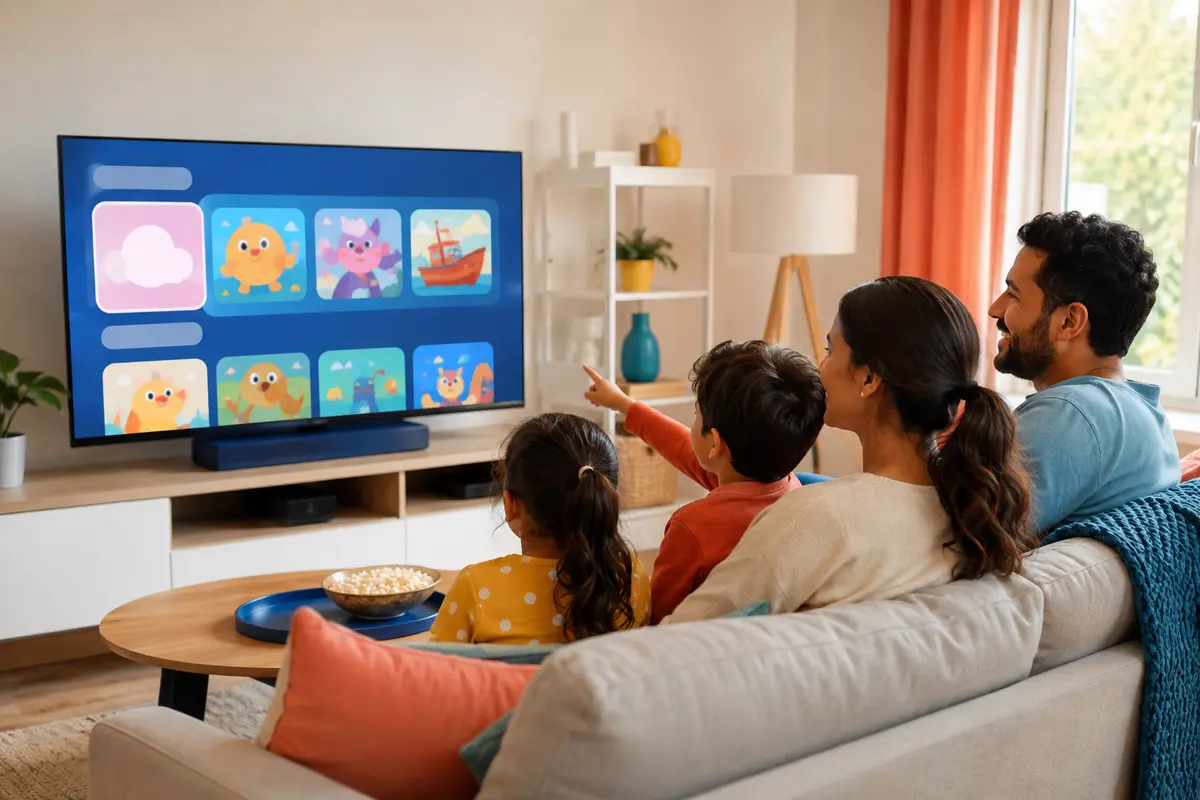
Use category controls and any player-level restrictions appropriate for your household.
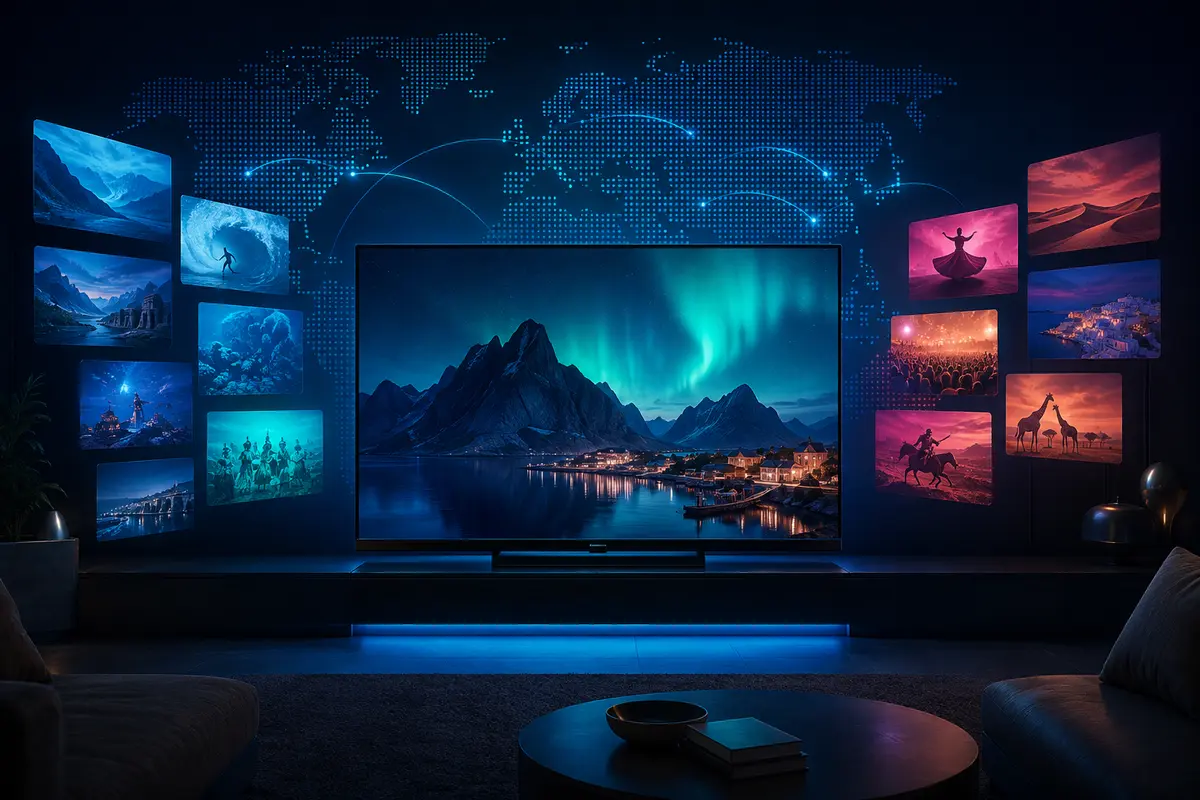
Browse language and regional groups for households that follow programming from more than one country.
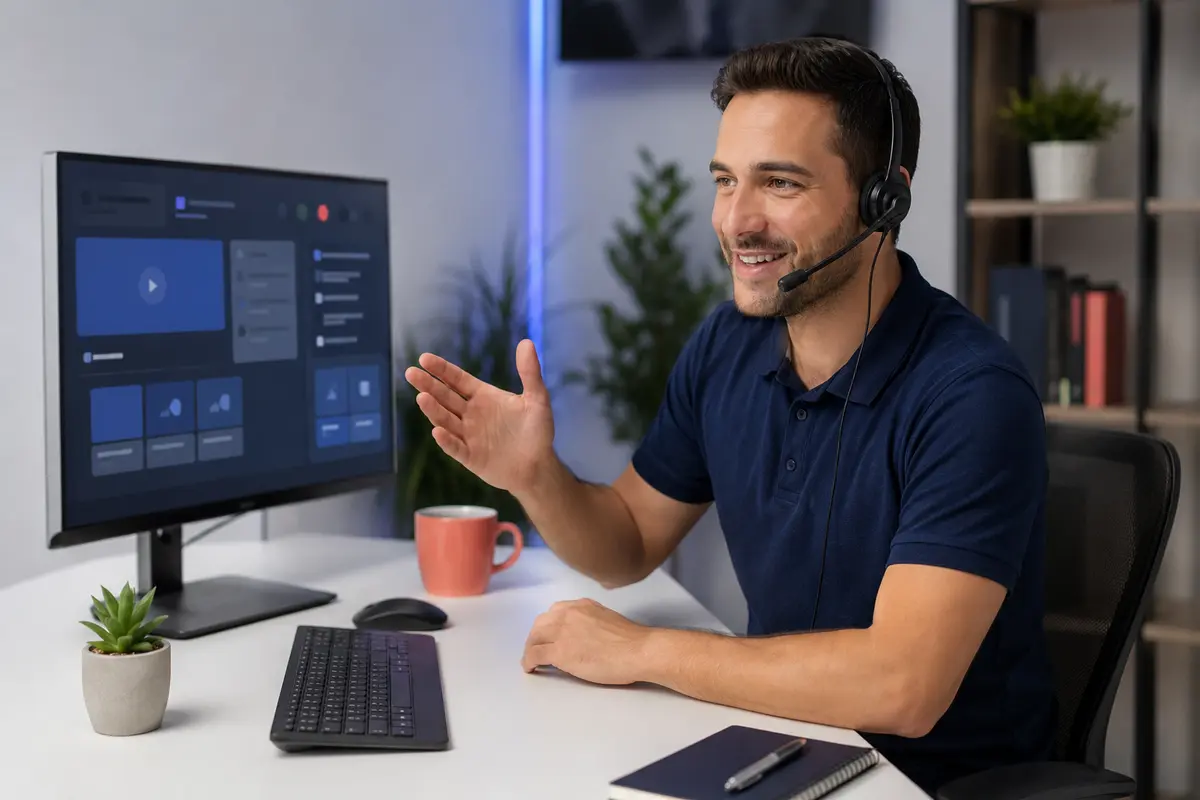
Share the exact device, operating system, player and error message so support can narrow the problem.
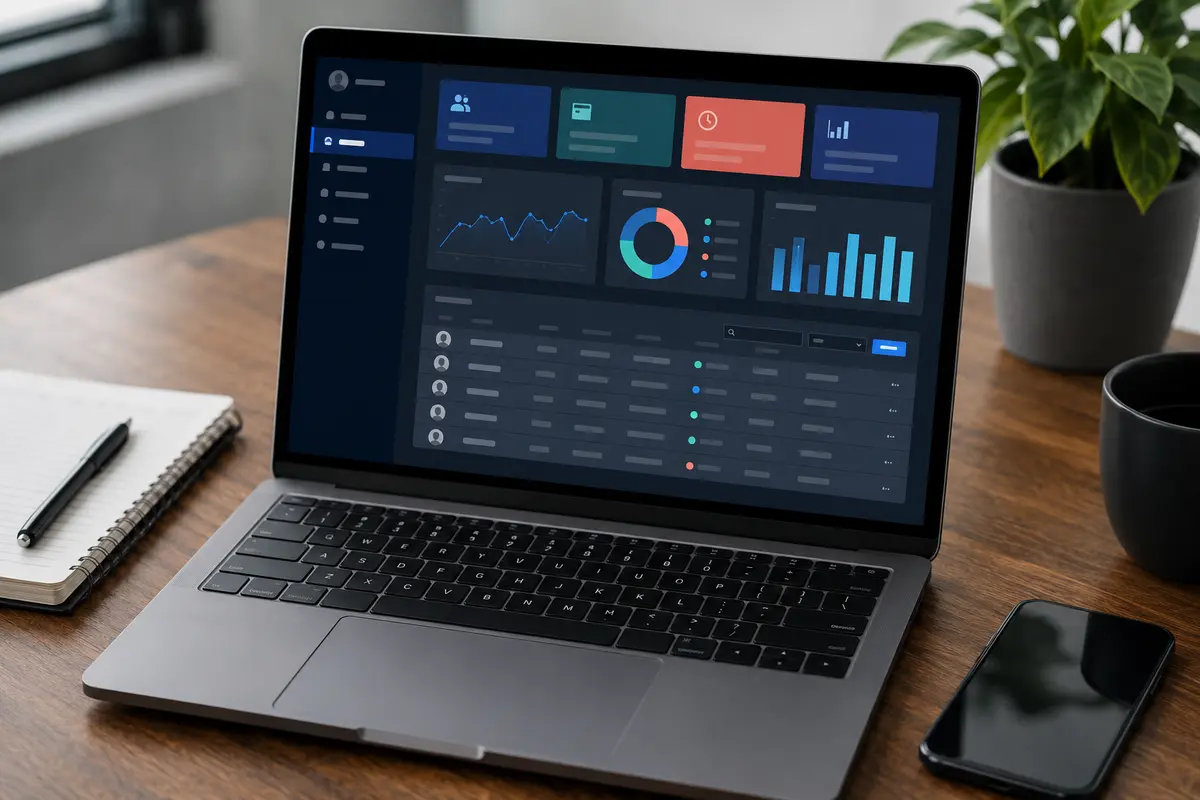
Manage supported customer lines and renewals after confirming current credit and panel rules.
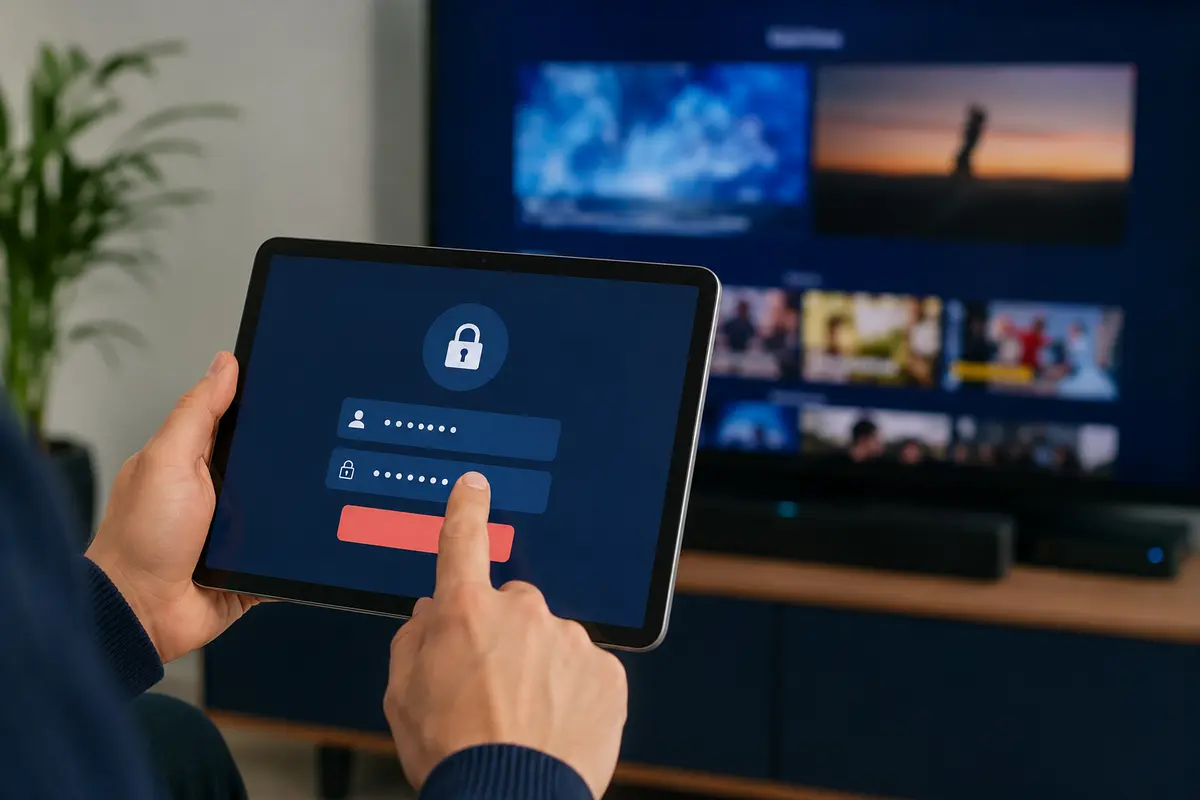
Protect usernames, passwords, portal addresses and playlist URLs as private account information.
These figures reproduce the service information supplied with the original pages. Catalogue totals can change as sources and categories are updated.
Follow a practical sequence instead of choosing on channel counts or promotional claims alone.
Test the exact television, Fire TV device, box, phone or computer you plan to use.
Look for the regional, language, sports, news and entertainment groups that matter in your home.
Check remote navigation, search, favourites, EPG, subtitles and any separate player licence.
Compare playback when your household network is under normal evening load, not only at a quiet time.
Use a short subscription until device compatibility and everyday playback are established.
Record the device model, player version and exact error so a problem can be diagnosed efficiently.
Use the 24-hour trial to check the sports categories that matter to you on your own device and network. The identifiers below describe common viewing interests; they do not guarantee a specific event, feed or rights package.













Compatibility depends on the exact device model, operating system, app-store availability and account login method. Platform marks belong to their owners.
Choose a short plan first if you still need to confirm your device, player and required categories. Prices are shown in pounds sterling and should be reconfirmed before payment.
Short commitment
Flexible value
Longer-term option
Lowest effective monthly cost
One account line is assumed unless support confirms another simultaneous-connection quantity in writing. App licences, VPN services and third-party device costs are not automatically included.
Read the practical limits as well as the features. Every answer below is visible on the page and matches the accompanying structured data.
A feature description is not a substitute for a real trial. Test EPG, replay, quality, search and player navigation yourself.