
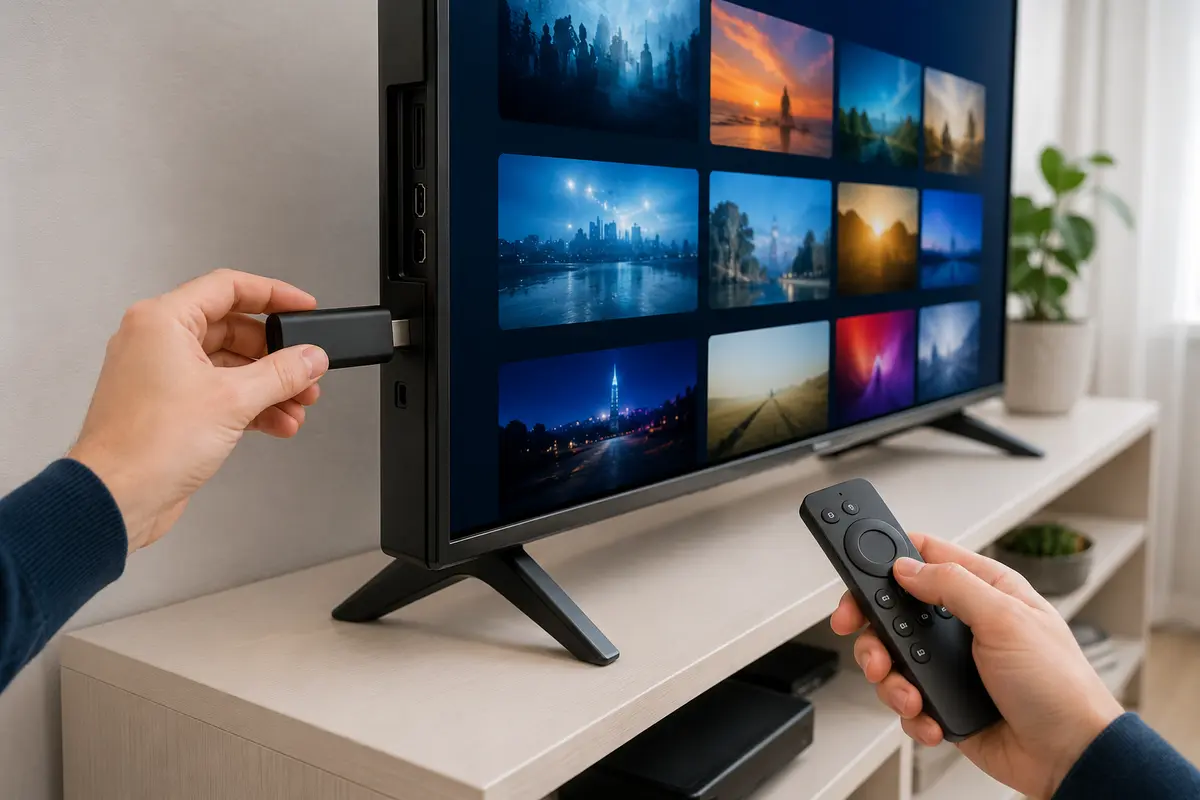
Sky Glass IPTV Firestick setup
Sky Glass IPTV Firestick Setup
Set up Sky Glass IPTV on Firestick with a compatible player, private login details, EPG refresh and practical playback tests for UK home networks.
Read the complete guideRead practical Sky Glass IPTV guides for Firestick, Smart TV, Android TV, player selection, buffering and broadband planning in the UK.
Sky Glass IPTV is the name of this independent subscription service. It is not the official Sky Glass television product and is not affiliated with or endorsed by Sky Group. Confirm content rights, app compatibility and availability for your location before ordering.
Each article answers one focused search intent with an ordered checklist, practical limits and direct links to relevant service pages.
Set up Sky Glass IPTV on Firestick with a compatible player, private login details, EPG refresh and practical playback tests for UK home networks.
Read the complete guide
Compare IPTV player apps for Fire TV, Smart TV, Android, Apple TV and computers by login method, EPG, remote control, updates and privacy.
Read the complete guide
Set up IPTV on a Samsung, LG, Sony or Android-based Smart TV with the right player, login method, network checks and EPG settings.
Read the complete guide
Configure IPTV on Android TV or Google TV with a compatible player, safe login, EPG refresh, remote-friendly settings and network tests.
Read the complete guide
Diagnose IPTV buffering by separating Wi-Fi, broadband, device, player, account and source causes in a practical UK home-network test order.
Read the complete guide
Plan IPTV bandwidth for HD, Full HD and 4K, including Wi-Fi quality, simultaneous streams, household traffic, latency and device limits.
Read the complete guideStart with the layer you can observe instead of changing several settings at once.
Use the Firestick, Smart TV or Android/Google TV article for platform-specific installation.
Compare player features, account formats and the difference between software and service access.
Follow the network, bitrate, buffering or programme-guide troubleshooting order.
Use written checklists before committing to a term or reseller credit allocation.
Send support the device model, player version, login method and exact symptom. Keep account credentials out of screenshots and public messages.