
Confirm the order
Review the plan period, price, connection quantity and relevant policy terms.
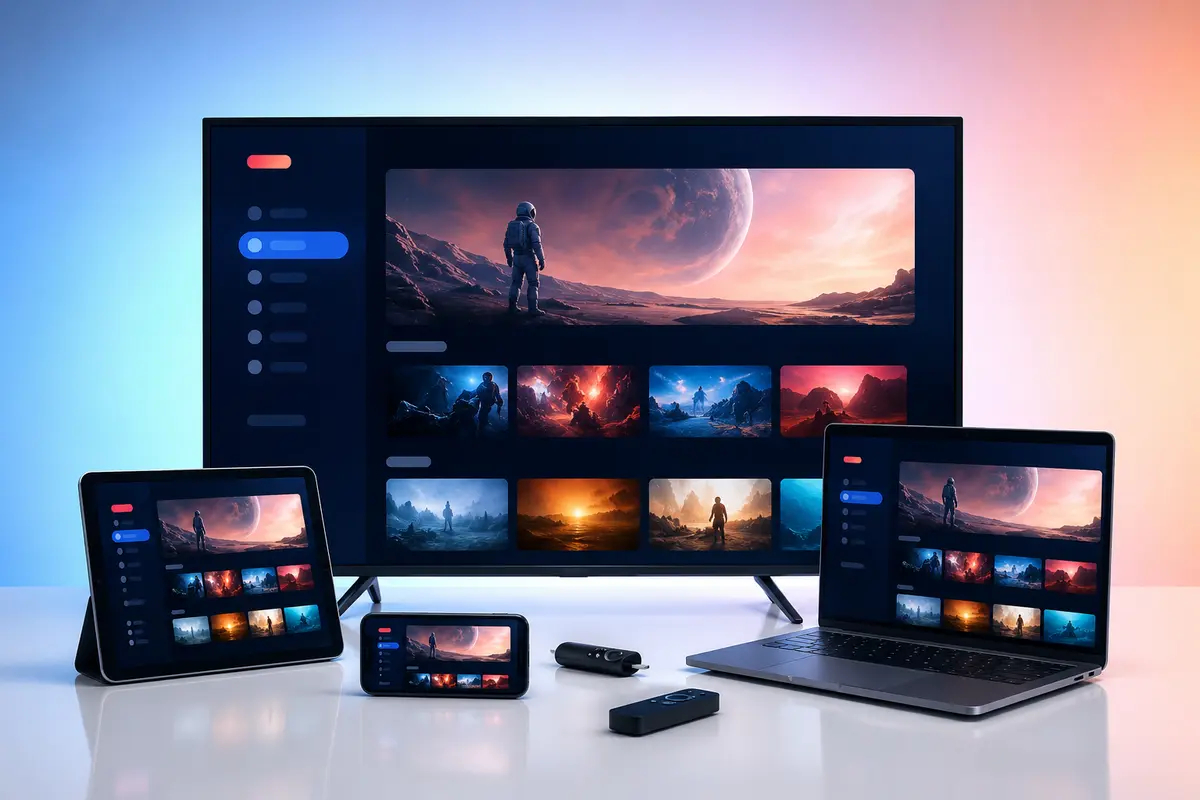
Install Sky Glass IPTV on Fire TV, Samsung, LG, Android TV, Google TV, Apple devices, Windows, macOS, MAG, Enigma2 and Formuler.
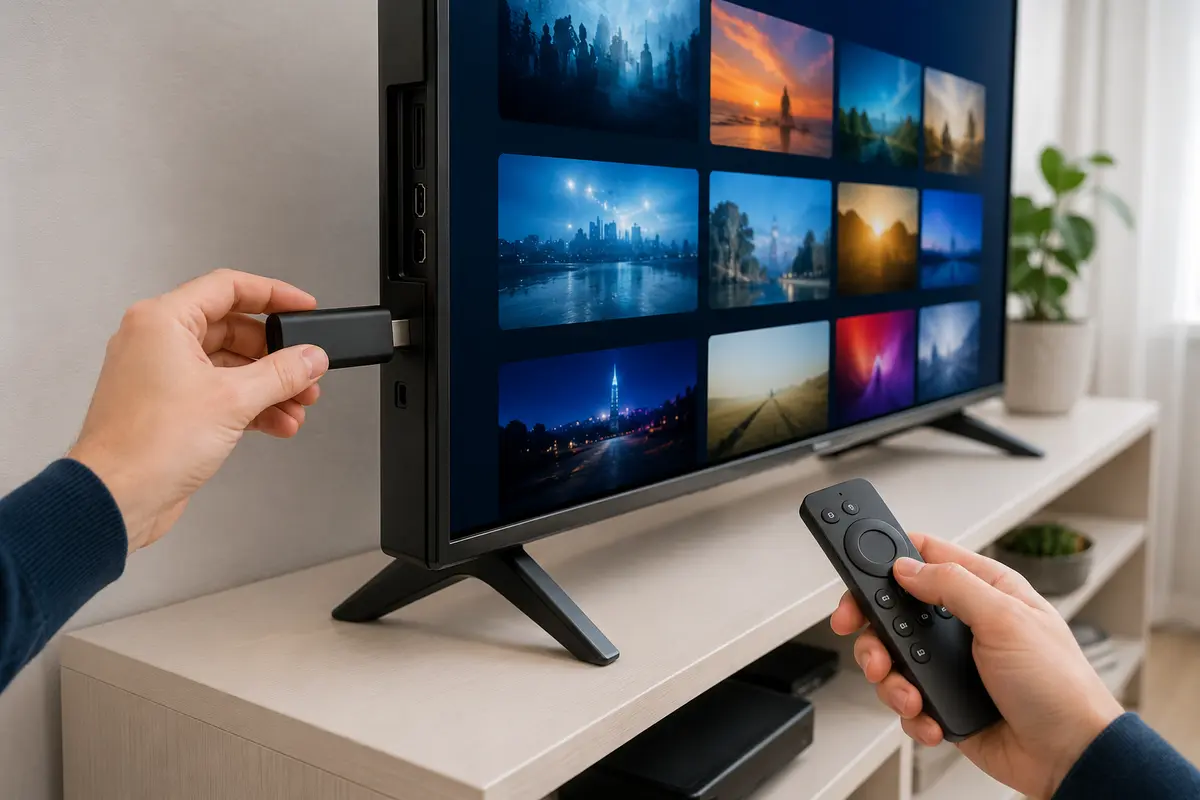
Sky Glass IPTV is the name of this independent subscription service. It is not the official Sky Glass television product and is not affiliated with or endorsed by Sky Group. Confirm content rights, app compatibility and availability for your location before ordering.
These steps apply across common platforms; the exact menu names depend on the device and player.
Review the plan period, price, connection quantity and relevant policy terms.
Share the exact model and operating-system version with support.
Install an available player that supports the supplied login method.
Add the username, password, server address, playlist or portal exactly.
Allow the initial catalogue and guide data to finish loading.
Check several live channels and on-demand titles on your normal network.
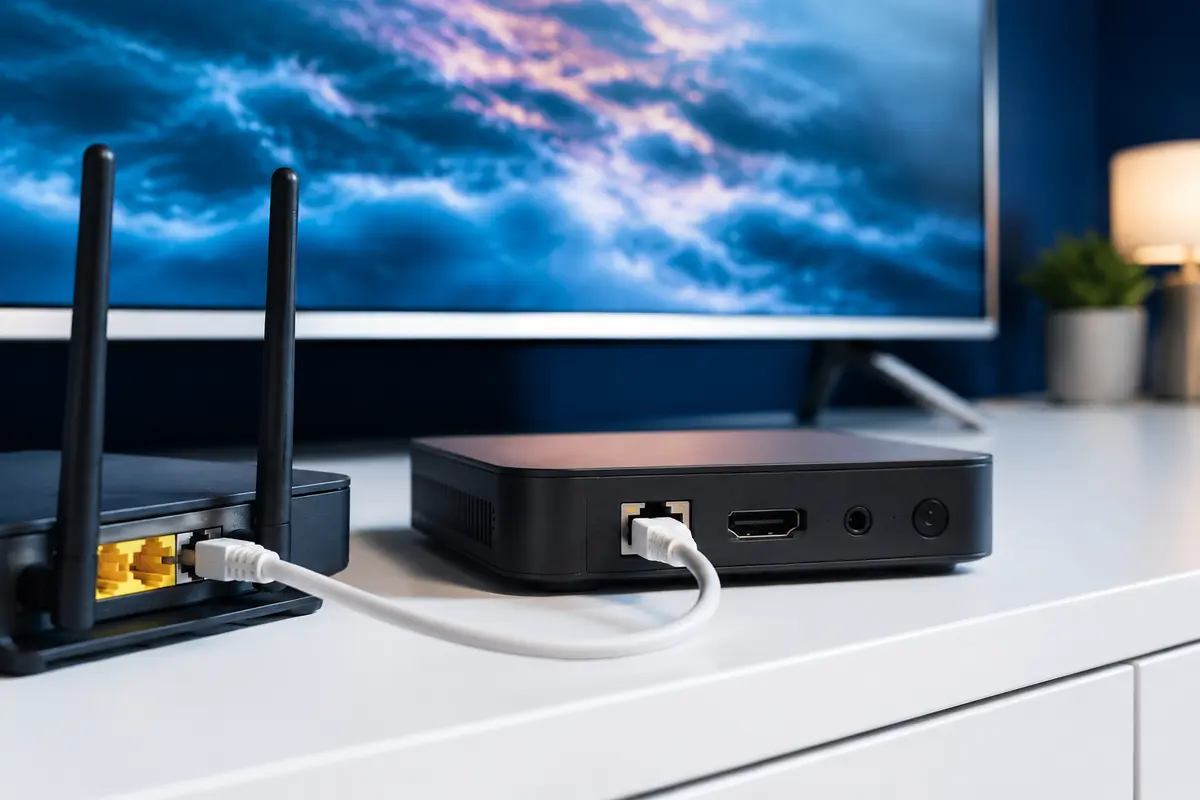
Use Ethernet or strong 5 GHz/6 GHz Wi-Fi and reduce competing traffic.
Never post login details publicly or install files from an unverified source.
Choose the exact operating system—not only the television brand—then confirm the player and login method.
Install an available television-friendly player, confirm its publisher and use the supplied login method.
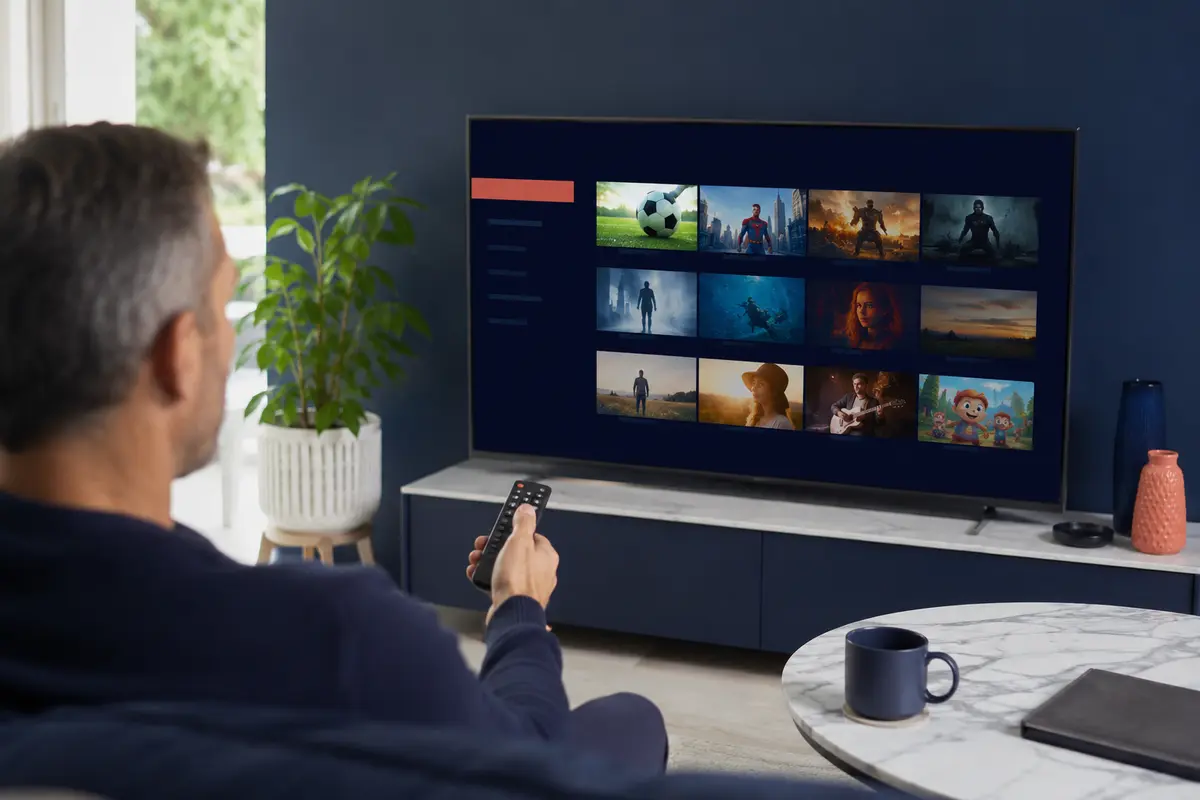
Check the exact model, Tizen or webOS version and regional app-store availability before choosing a player.
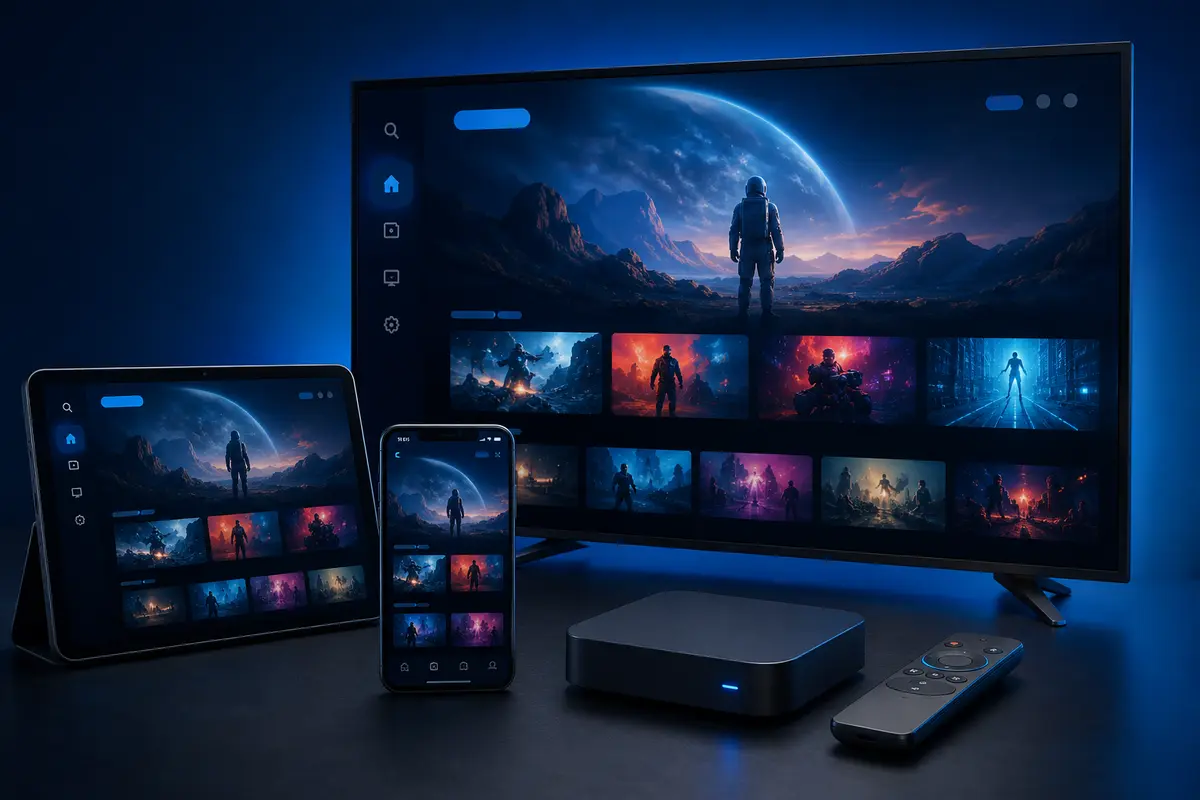
Use a verified Play Store player, allow the first sync to finish and tune remote navigation.
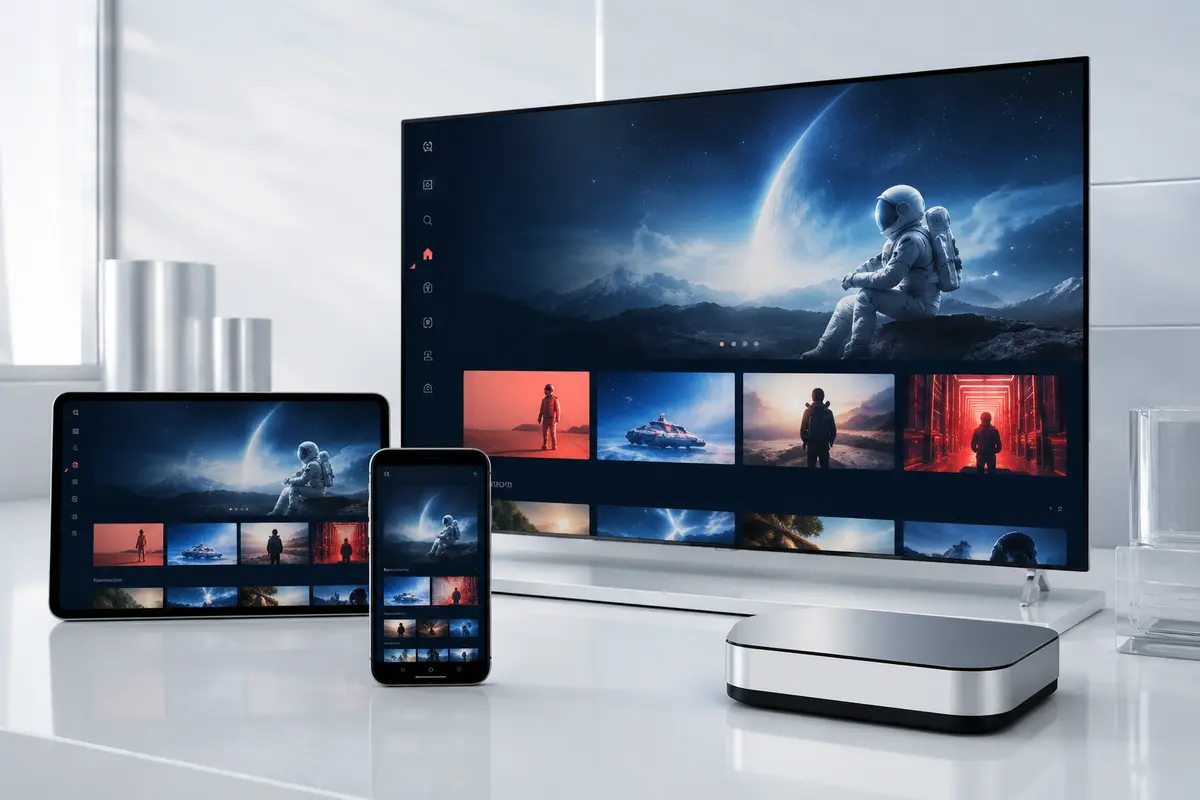
Choose a current tvOS, iOS or iPadOS player and check whether its premium licence is separate.
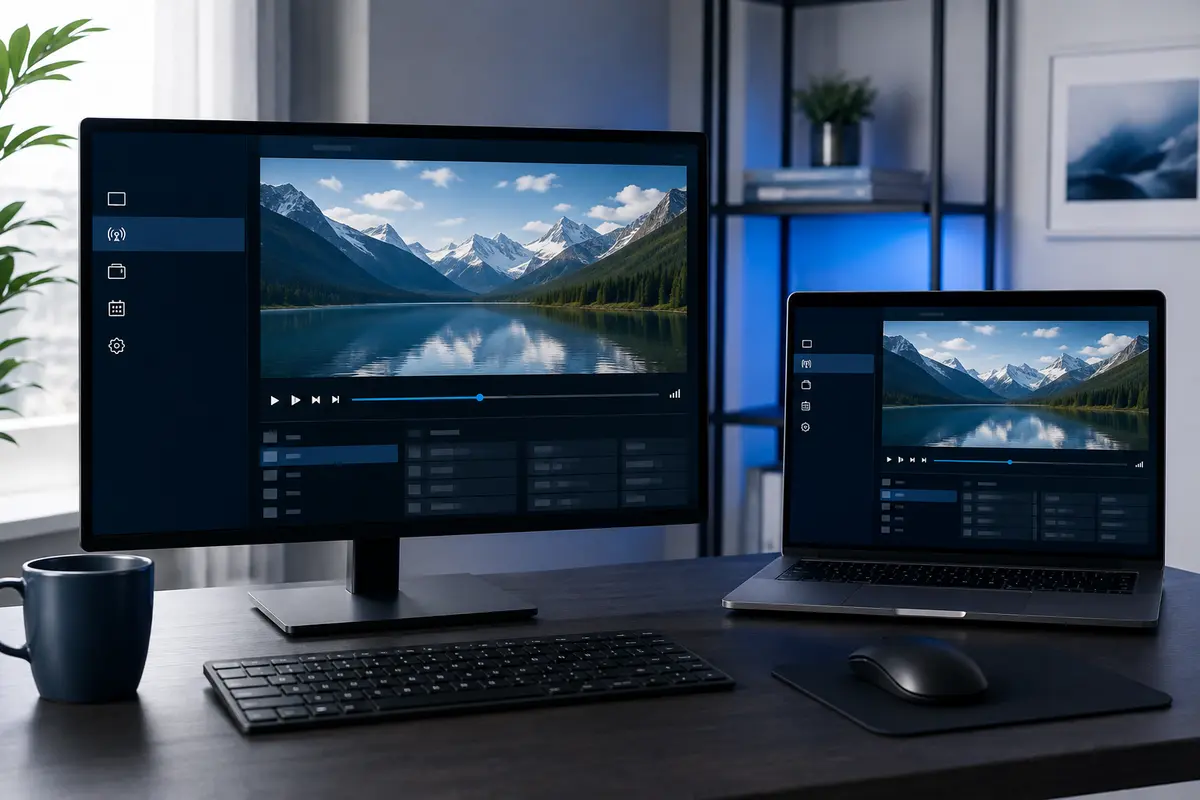
Use maintained desktop software, keep credentials private and remove them from shared computers.
Confirm the exact portal, MAC or player method supported for the set-top box before configuration.
A high broadband package cannot compensate for an unstable wireless hop behind the television. Compare Ethernet with Wi-Fi on the same stream.
Use the 24-hour trial to check the sports categories that matter to you on your own device and network. The identifiers below describe common viewing interests; they do not guarantee a specific event, feed or rights package.





Compatibility depends on the exact device model, operating system, app-store availability and account login method. Platform marks belong to their owners.
Choose a short plan first if you still need to confirm your device, player and required categories. Prices are shown in pounds sterling and should be reconfirmed before payment.
Short commitment
Flexible value
Longer-term option
Lowest effective monthly cost
One account line is assumed unless support confirms another simultaneous-connection quantity in writing. App licences, VPN services and third-party device costs are not automatically included.
Read the practical limits as well as the features. Every answer below is visible on the page and matches the accompanying structured data.
Send the exact model, software version and player name. Support can then point you to the relevant login method without exposing credentials.