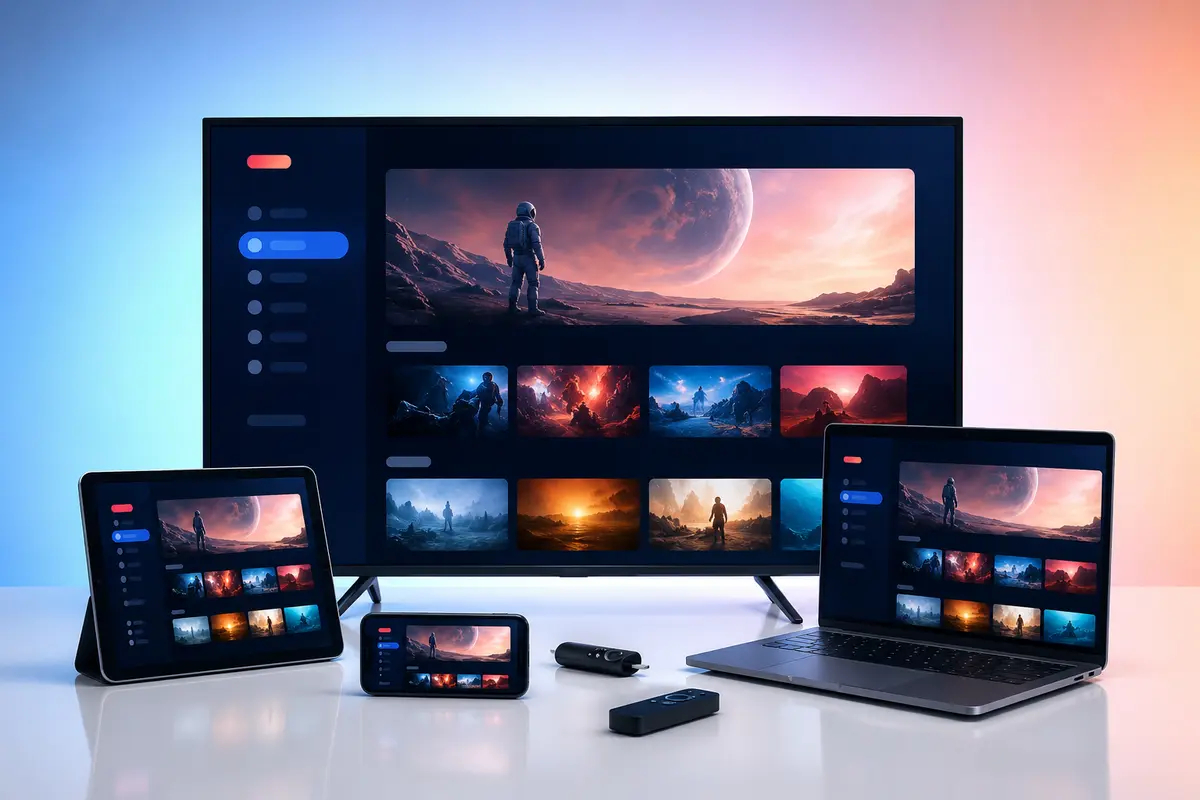

Internet speed is only one part of streaming quality. The connection must sustain the stream while the router, Wi-Fi link, device and player handle it without repeated drops.
Use the figures below as planning ranges rather than guarantees. Actual bitrate varies by source and encoding.
Practical Starting Ranges
A useful planning baseline is about 5 Mbps for standard definition, 10 Mbps for HD, 15 Mbps for Full HD and 25 Mbps or more for many 4K streams. Higher-bitrate sources may need more.
- SD: around 5 Mbps per active stream
- HD: around 10 Mbps per active stream
- Full HD: around 15 Mbps per active stream
- 4K: around 25 Mbps or more per active stream
Add Capacity for the Household
Do not size broadband to the video stream alone. Video calls, cloud backups, console downloads, security cameras and another television all compete for capacity.
For two simultaneous 4K streams, 50 Mbps is only the theoretical video allowance. A higher stable connection gives essential headroom.
Wi-Fi Signal Is Not the Same as Internet Speed
Your broadband may reach the router at full rate while the television receives an unstable wireless link. Walls, neighbouring networks, cabinets and distance can reduce consistency.
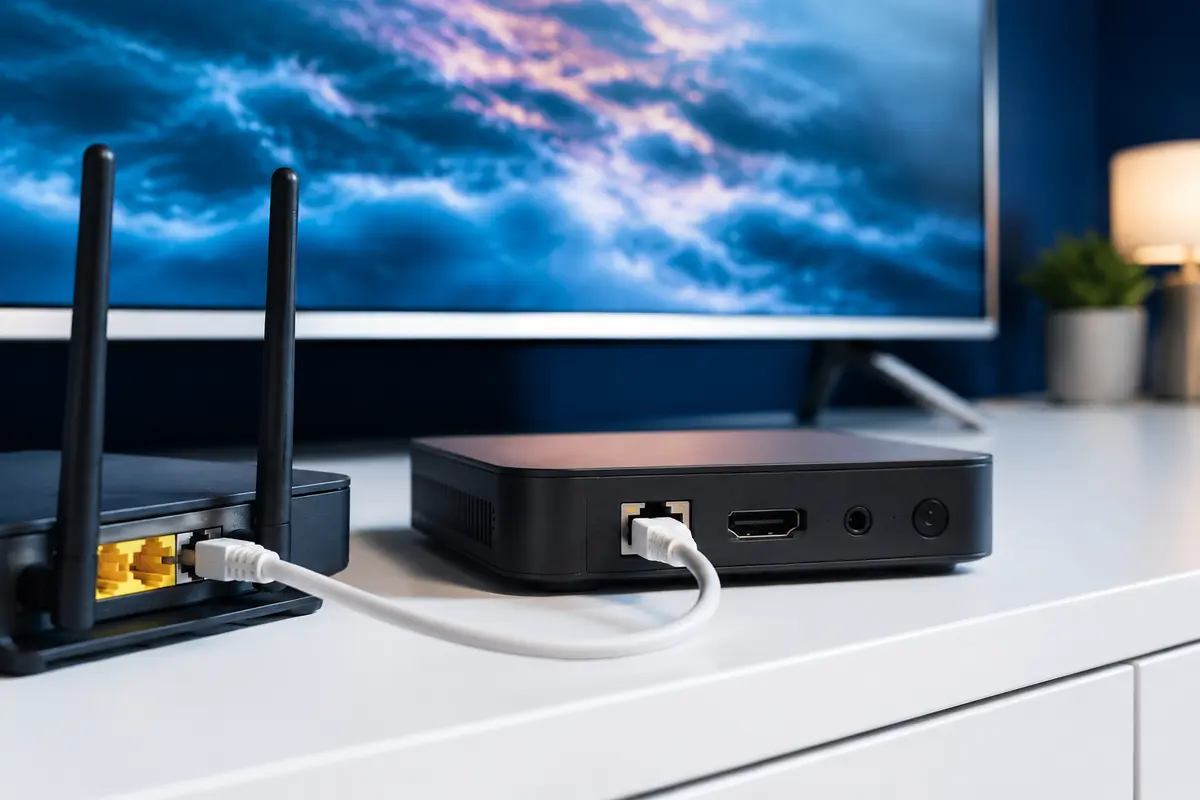
Test at the streaming device, not beside the router. Compare wired Ethernet when possible.
Latency, Jitter and Packet Loss
Streaming can tolerate some latency because it buffers data ahead, but sharp delay variation and packet loss can empty that buffer. Repeated brief freezes with an otherwise high speed result often point to stability rather than capacity.
Device and Codec Limits
A television or inexpensive box must decode the supplied video codec at the selected resolution and frame rate. If a lower-quality stream works on the same network, hardware or codec support may be the limiting factor.
Ethernet Versus 5 GHz and 6 GHz Wi-Fi
Ethernet usually offers predictable latency and fewer interference problems. Modern Wi-Fi can be faster, but only with a clean signal and capable hardware. The older 2.4 GHz band reaches farther but is often more congested.
Run a Meaningful Speed Test
Test from the device or as close to it as possible, at the time buffering normally occurs. Repeat the test and note the lowest result, not only the peak. Compare with another service and a wired device before assigning the fault to IPTV.
Match Quality to Conditions
Use a stable HD or Full HD stream when the network cannot sustain 4K. A lower resolution that plays consistently usually provides a better viewing experience than a high-resolution source that repeatedly stops.
Estimate Bandwidth for a Real Evening
List each likely simultaneous activity and assign a planning allowance: the IPTV stream, another television, video calls, gaming updates, cloud backup and security cameras. Add a safety margin instead of choosing broadband at the exact mathematical total. The usable rate at the television is the important figure, not only the package advertised to the router.
For mobile or fixed-wireless broadband, repeat tests because signal conditions and network congestion can vary more by time and location. Data caps and traffic-management terms may also affect a long viewing session.
- Count concurrent streams
- Include non-video household traffic
- Measure at peak time
- Compare wired and wireless
- Leave recovery headroom
Separate Resolution From Overall Quality
A 4K label describes pixel dimensions, not source detail, frame rate, compression or colour quality. A well-encoded Full HD source can look better than a heavily compressed 4K one and use less bandwidth. Judge motion, blocking, colour gradients and audio as well as the resolution badge.
Select a quality your device can decode continuously. When testing, change only the source quality first; if lower quality fixes the problem on the same connection, bandwidth, bitrate or decoding capacity becomes a stronger lead.
Only access content you are legally entitled to view. App, category, guide, quality and replay availability can change by device, region, source and account.