The best IPTV player is the one that works cleanly with your device, remote and account method. A long feature list matters less if the app is difficult to navigate from the sofa or unavailable in your device's regional store.
A player does not supply channels. It loads account access from a provider. Keeping that distinction clear helps you compare apps without mistaking a media interface for a subscription.
Start With the Account Login Method
Ask whether the account is supplied as a username, password and server address; an M3U playlist URL; or a portal/MAC method. Not every player supports every format, and converting credentials through an unknown third-party website creates a privacy risk.
- Username and server login for organised live TV and VOD
- M3U playlist support for broad compatibility
- Separate EPG URL support where needed
- Portal support only for devices designed around it
Compare the EPG and Catch-Up Experience
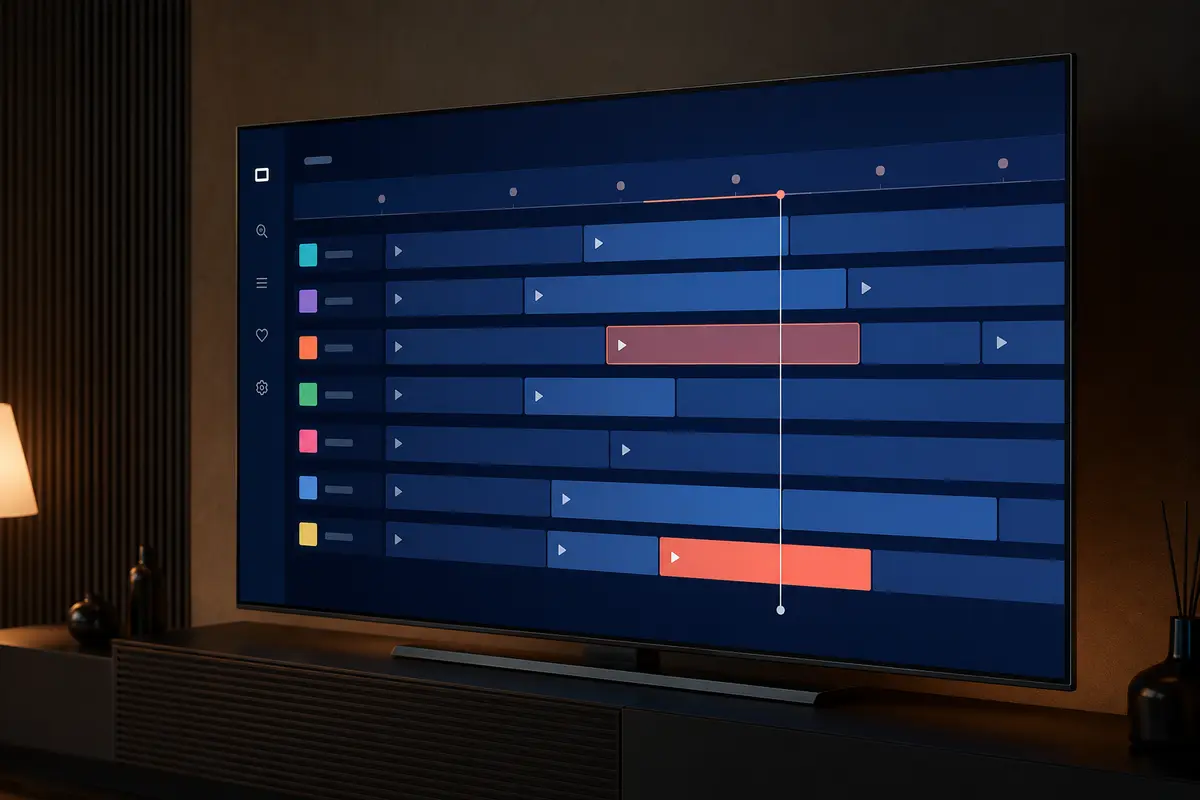
A useful player maps guide data clearly, shows the current programme and lets you move through time without losing your place. Catch-up controls matter only when the account and specific stream provide replay data.
No player can create missing guide data or catch-up content. It can only display information supplied to it.
Check Search, Favourites and Profiles
Large catalogues are easier to use when search covers live TV, movies and series, while favourites reduce repeated category browsing. Household profiles or parental controls can be helpful, but their quality varies and should not be treated as a substitute for supervision.
Review Updates and Privacy
Prefer an actively maintained player from a source you can verify. Read the permissions request, avoid uploading account URLs to comparison sites, and use a unique password if the provider allows it.
If an app stops receiving updates, codec, security and operating-system compatibility may gradually degrade.
Understand Free Versus Paid Players
A paid player licence may remove adverts or unlock EPG, multi-playlist, recording or appearance options. It normally does not pay for the IPTV subscription. Check whether the licence is one-time, recurring, device-limited or account-based before purchase.
Platform-by-Platform Priorities
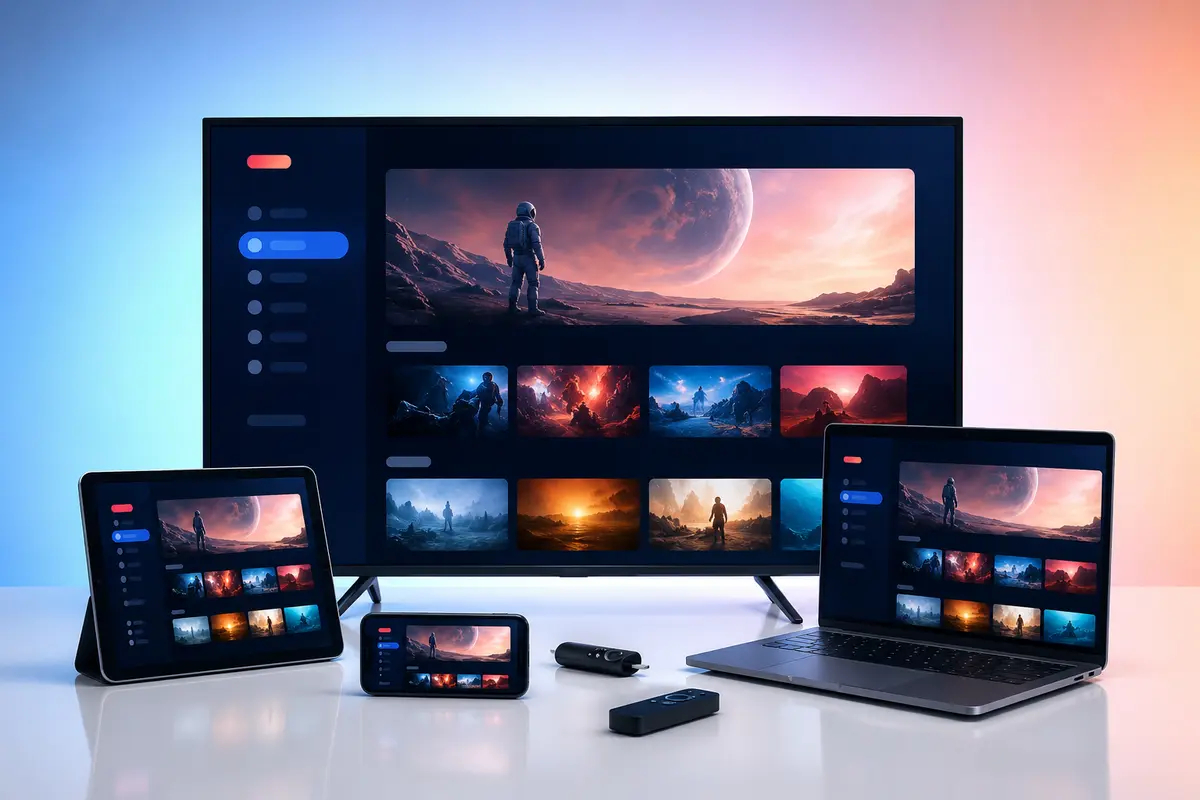
Fire TV and Android users should prioritise remote navigation and codec support. Samsung and LG users need current store availability for their television year. Apple TV users should check tvOS support. Computer users should favour maintained desktop software and avoid browser extensions that request broad access.
Use the Trial to Compare Two Players
If you are unsure, configure the same trial account in no more than two trusted players and compare startup time, guide layout, category loading and playback. Remove the unused app and its stored account details when the test is complete.
Create a Player Scorecard
Score each candidate on the same device from one to five for remote control, guide readability, search, favourites, subtitles, login support, update history and privacy. Use the same trial account and test sequence so a visually attractive home screen does not hide weak everyday navigation.
Record any premium price, billing period and device limit separately from the IPTV subscription. A low score in a feature you use daily should matter more than several cosmetic options.
- Login method works without conversion
- Back button behaves predictably
- Guide remains readable from the sofa
- Account removal is easy to find
Warning Signs When Selecting an App
Pause when a player asks you to upload credentials to an unrelated website, requests permissions unrelated to video playback, imitates another app's identity or has no verifiable publisher information. A familiar icon is not proof that the listing is genuine.
Also consider continuity: an abandoned player can lose compatibility as television operating systems and codecs change. Export favourites only through a trusted built-in method, and assume that an uninstall may erase local settings.
Only access content you are legally entitled to view. App, category, guide, quality and replay availability can change by device, region, source and account.