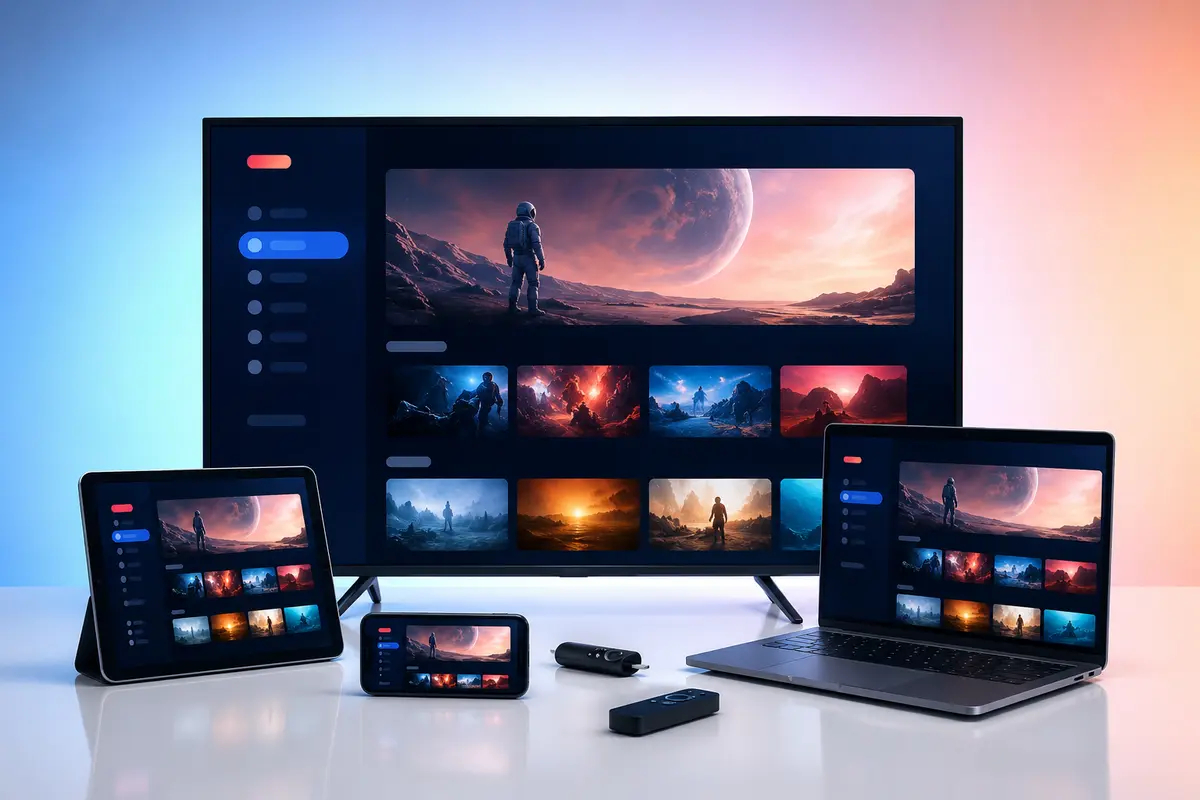
A trial is useful only when it recreates the way the household will actually watch. A five-minute phone test at midday says little about television navigation or evening Wi-Fi.
Plan a short set of repeatable checks and record results. The goal is compatibility evidence, not an attempt to sample every category.
Prepare Before the Trial Starts
Install the intended player, update the device and note the trial start time. Ask for the supported login method and connection limit before activation so the test window is not lost to setup questions.
- Exact device model
- Player name and version
- Internet connection type
- Desired UK and international categories
- Accessibility needs
Test the Main Television First
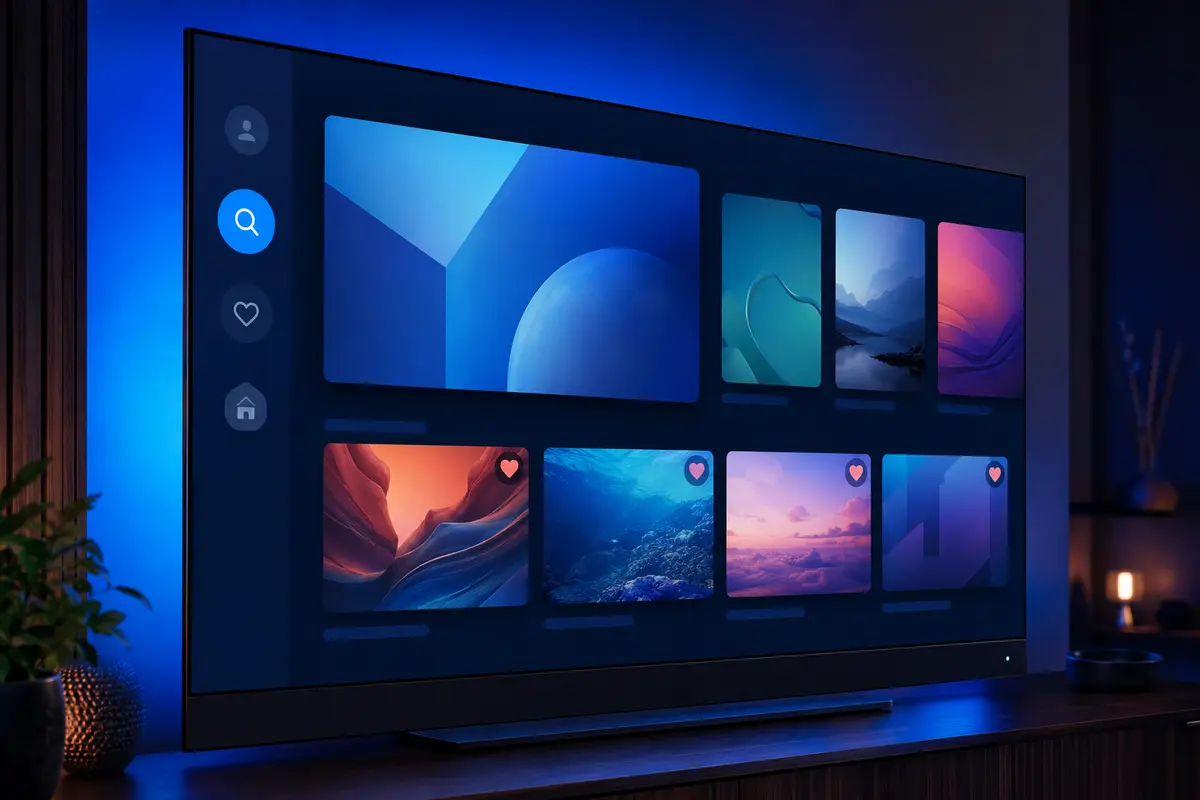
Configure the device you expect to use most. Check remote focus, back-button behaviour, guide readability, search and favourites from normal seating distance. A phone result is not a substitute.
Check Representative Categories
Test several unrelated sources from the UK, sport, film, series and any international group that matters to you. Availability can vary, so ask support about must-have categories rather than relying on a total count.
Compare Live, Film and Series Playback
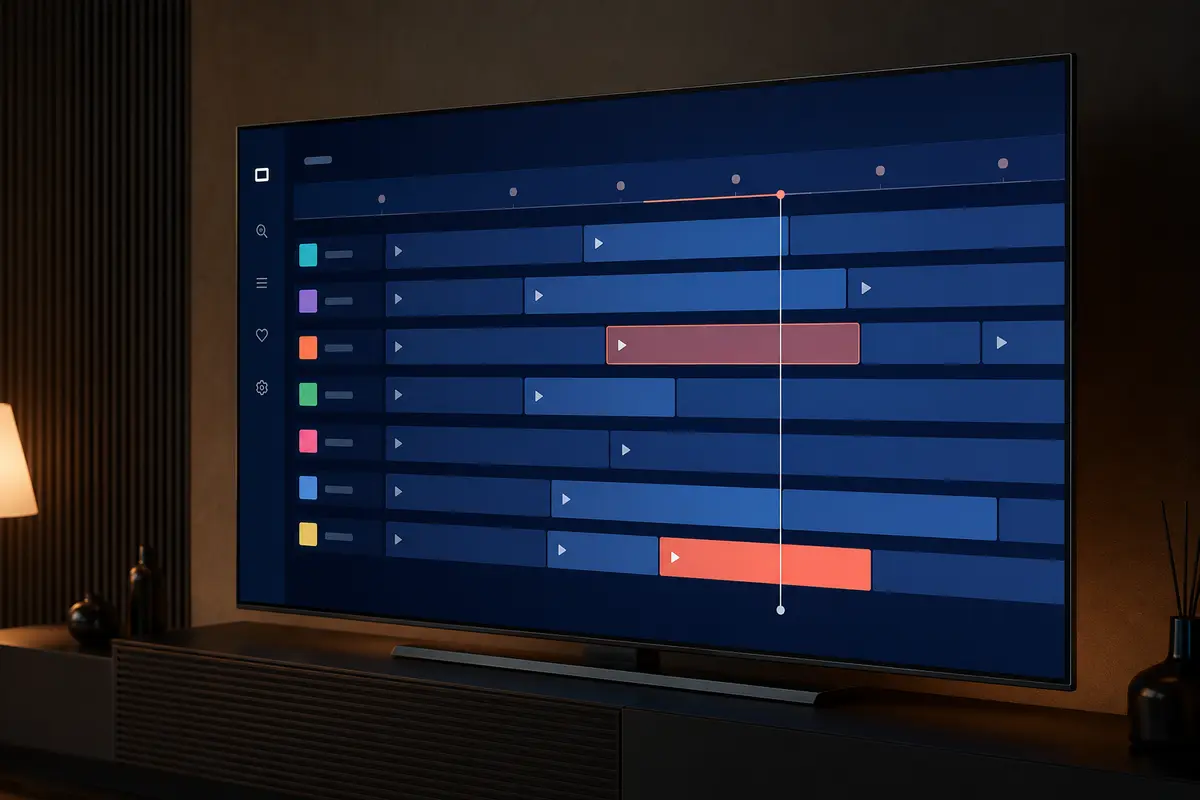
Live streams test channel change and EPG; films test seeking, subtitles and audio; series test season and episode organisation. Confirm that the interface resumes gracefully after switching sections.
Repeat Tests at Peak Time
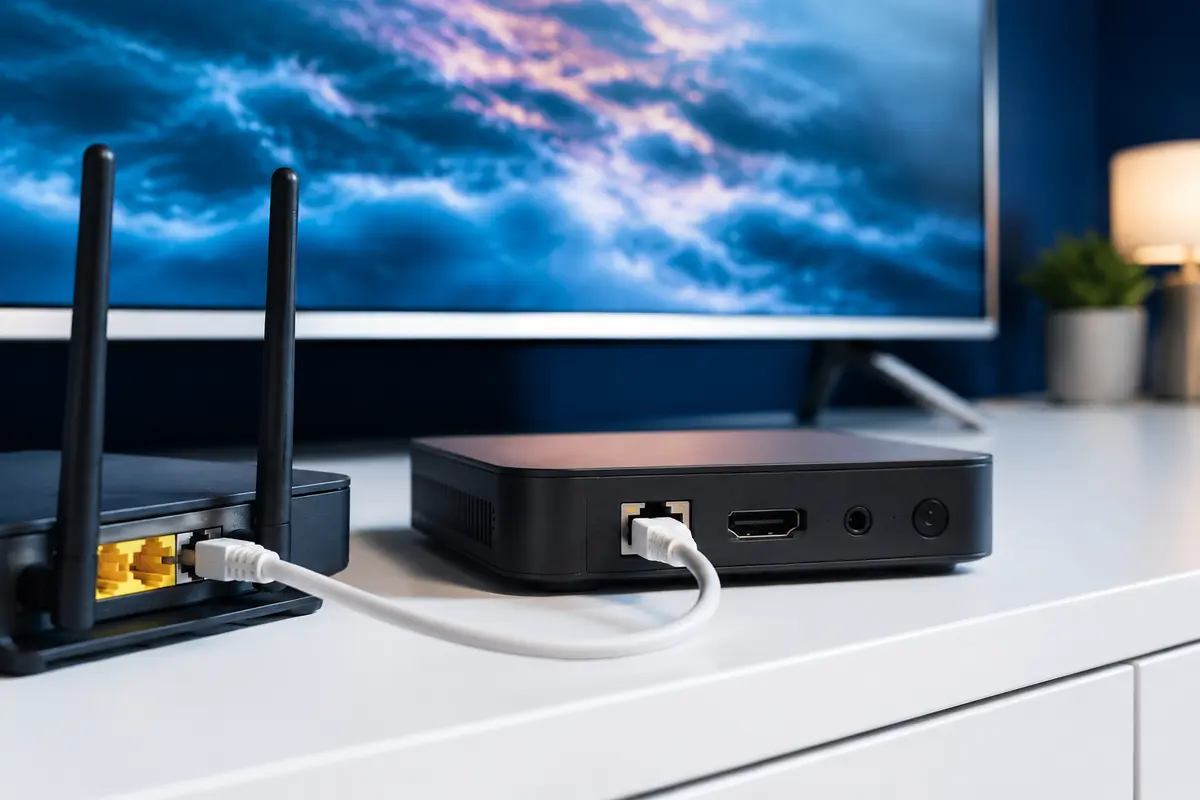
Run the same sample in the evening when the household network is busiest. Note other downloads and compare Wi-Fi with Ethernet if possible. This reveals conditions hidden by an off-peak test.
Test Support With One Real Question
Ask a specific setup question and judge whether the reply is clear, relevant and safe. Do not create artificial emergencies. Keep the answer because it may contain app or account instructions needed later.
Review Terms, Renewal and Refund Information
Confirm the exact price in GBP, period, payment path, renewal method, connection count and refund conditions before buying. Take a copy of the terms in force on the order date.
Score the Trial Consistently
Use a simple pass, concern or fail mark for device setup, navigation, desired categories, EPG, playback, peak time and support. Choose a short paid period when uncertainty remains rather than assuming a longer plan solves it.
Use a One-Page Trial Record
Create rows for setup, remote control, key categories, live playback, film, series, EPG, subtitles, peak-time performance and support. Mark pass, concern or fail and add one sentence of evidence. This makes the end-of-trial decision less vulnerable to a single impressive stream or a temporary fault.
Keep the record without account credentials. If a concern is fixed during the window, write down the change so you can reproduce the working setup after activation.
- Start and end time
- Primary device
- Player version
- Connection type
- Must-have category results
- Unresolved concerns
Decision Rules at the End of the Trial
Do not buy merely because the trial is about to expire. Choose a plan only if the primary device works, required categories were checked, peak-time playback is acceptable and the written order terms are clear. Use one month when meaningful uncertainty remains.
If the result fails, send the evidence to support and wait for an explanation before retesting. Repeated trial accounts do not repair an unsupported device or congested Wi-Fi and may breach service rules.
Only access content you are legally entitled to view. App, category, guide, quality and replay availability can change by device, region, source and account.