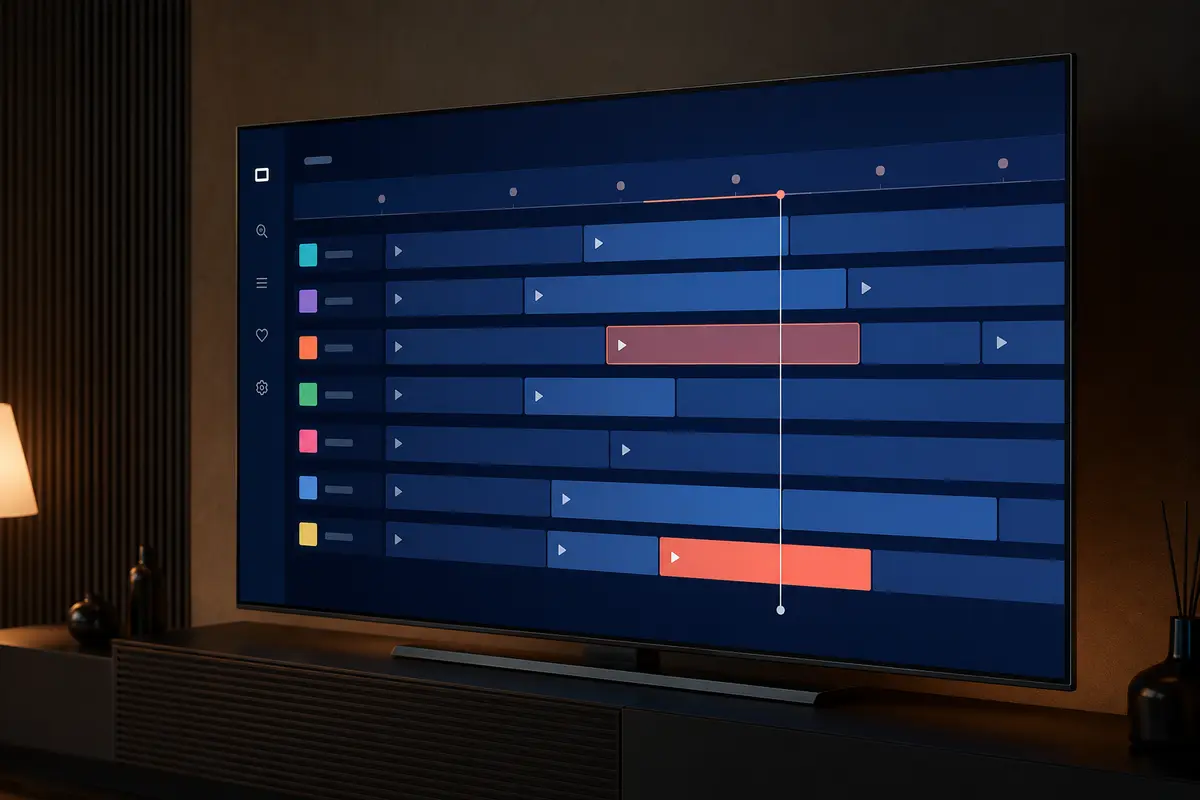
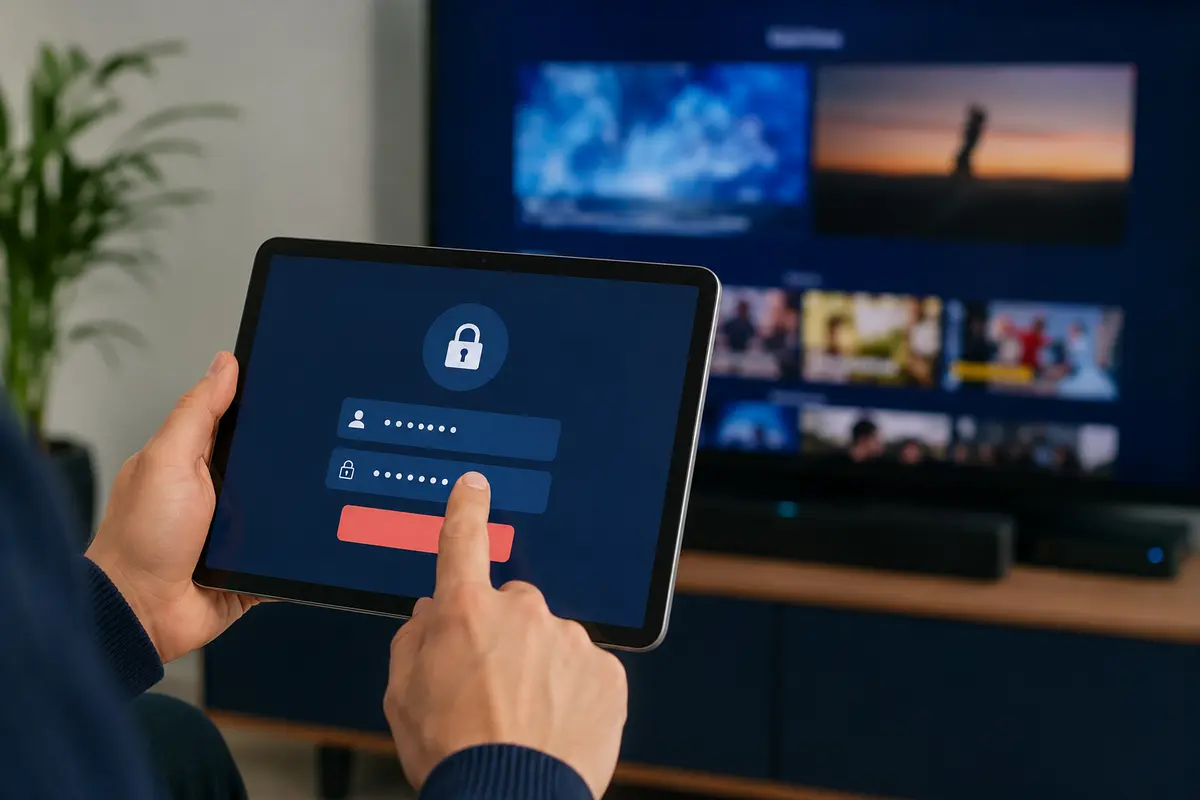
IPTV players commonly accept either a username, password and server address or a long M3U playlist URL. Both can describe access to the same account, but the player experience and privacy risks differ.
This comparison explains the practical trade-offs without recommending that credentials be converted by an unknown third party.
What a Username-and-Server Login Does
This method asks for a server address, username and password. Compatible players can often organise live television, movies, series and guide data into separate sections after authentication.
Some people refer to this format by a third-party API name. The important point is the fields the player accepts, not the label used in marketing.
What an M3U Playlist URL Does
An M3U URL points the player to a playlist. It is widely supported, but on-demand grouping and metadata can be less consistent. A separate XMLTV URL may be needed for the programme guide.
Setup and Typing
Separate fields are easier to check visually on a television. An M3U address can be long and often embeds the username and password, making typing errors and accidental exposure more likely.
- Use copy and paste only on a trusted device
- Check http versus https exactly
- Keep capitalisation and punctuation unchanged
- Never publish a login screenshot
Player Compatibility
Not every player supports both methods. Confirm supported login types in the official app listing before paying for a player licence. A portal or MAC-based device is a third method and should not be confused with either option.
EPG and Catalogue Organisation
A structured login can make it easier for a compatible player to request categories and guide data. M3U depends on the information in the playlist and any separate guide file. Results still depend on the supplied account data.
Security and Credential Handling
Treat an M3U URL like a password because credentials can appear inside it. Do not use public conversion tools, URL shorteners or screenshots. Store account details in a trusted password manager and remove them from a device before sale or return.
Troubleshooting Differences
For a structured login, verify the three fields separately and remove a trailing slash only when instructed. For M3U, test for truncated copying and confirm any separate EPG address. In both cases, check expiry and connection limits with support.
Which Method Should You Choose?
Use the method that the chosen player officially supports and the provider supplies directly. If both are available, compare catalogue organisation, EPG behaviour and secure entry on the intended device during the trial.
Compare the Two Methods Privately
When support supplies both methods, test them in the same trusted player profile one at a time. Compare category grouping, on-demand metadata, guide coverage and refresh time. Delete the unused profile afterwards so an old embedded URL does not remain on the device.
Never paste the long URL into a public link checker to see whether it works. If troubleshooting is necessary, share only the host and a redacted error through the verified support channel.
- Same account and device
- Separate profile names
- No simultaneous playback
- Guide refreshed once
- Unused credentials removed
Migration and Password Changes
A password change can invalidate both the separate fields and any M3U address containing the old credential. Update every device you control and revoke access from devices you no longer use. Do not forward a replacement URL through an open group chat.
If a server address changes, obtain the new value directly from support and verify the domain carefully. Similar-looking domains can be used for phishing, particularly when a long playlist URL hides the host among many characters.
Only access content you are legally entitled to view. App, category, guide, quality and replay availability can change by device, region, source and account.