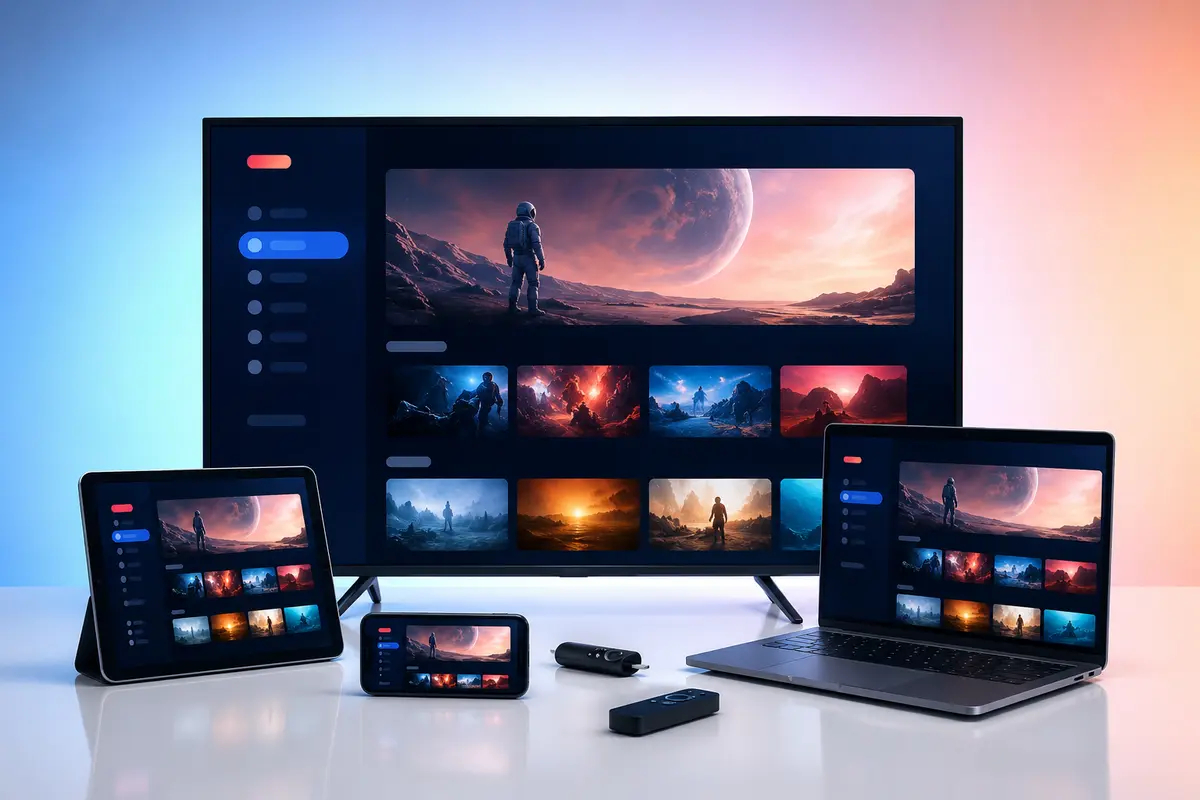
A player is the software interface. A subscription is the account that supplies access details and available programme sources. Confusing the two is one of the most common causes of a blank player after installation.
Understanding the boundary also helps you compare prices accurately and know which company to contact when something fails.
The Player Is the Interface
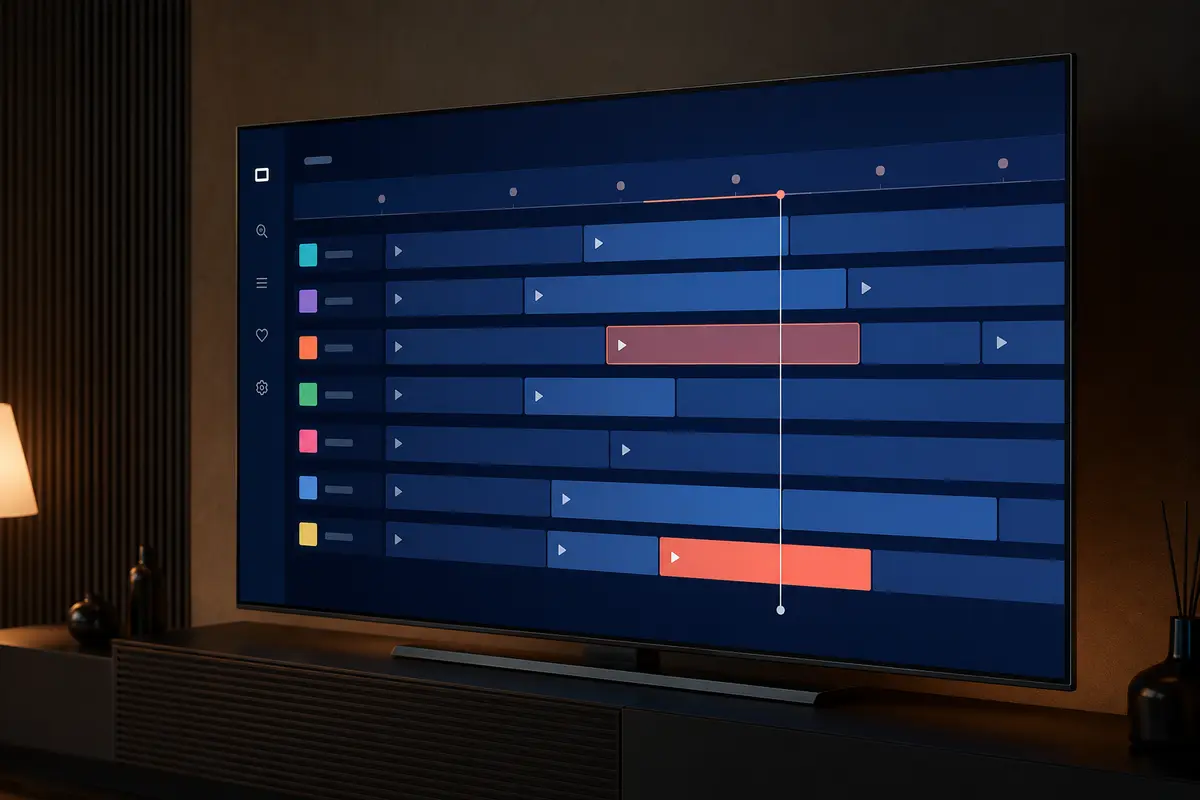
The player displays categories, programme guide data, search, favourites and playback controls. It may be free, advert-supported, trial-based or paid. Installing it alone does not normally add live channels or on-demand titles.
The Subscription Supplies Account Access
A subscription normally provides private login details and a defined access period. Category availability, EPG, replay, quality and simultaneous connections depend on that account and can change.
Why There Can Be Two Separate Payments
A premium player's developer may charge for interface features, while the service provider charges for account access. Read both checkout descriptions so a player licence is not mistaken for a television subscription.
Who Supports Which Problem?
Contact the player developer for crashes, interface bugs and app-store billing. Contact the subscription provider for account activation, expiry, category access or supplied EPG. Network and device problems may require your ISP or hardware maker.
- Blank login: verify subscription credentials
- App crashes before login: contact player developer
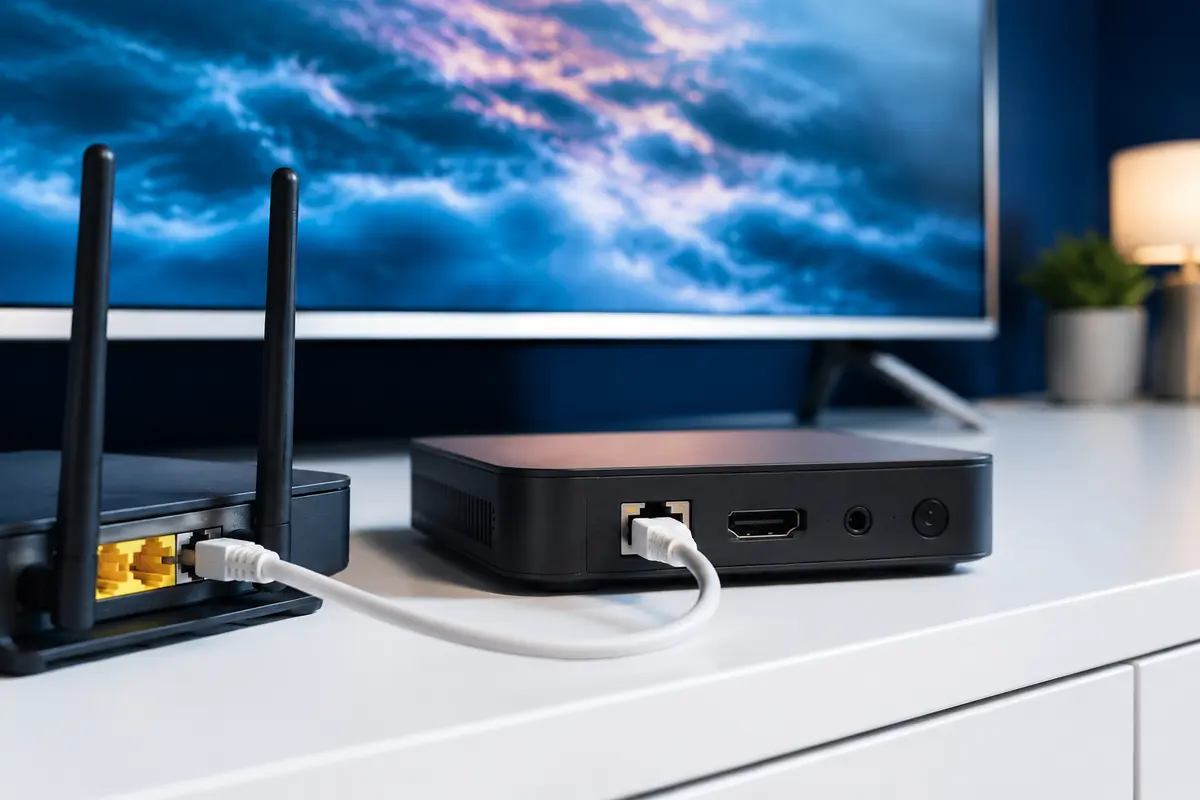
- All apps offline: test the home network
- One source unavailable: report exact source and time
Compatibility Has Two Layers
The app must run on the operating system, and it must accept the account's login method. A popular mobile player may still be unsuitable for a television remote, while a television app may be unavailable in a particular store region.
Connections Are Not Device Installs
You may be able to install a player and save the account on several devices while the subscription permits only a stated number of simultaneous streams. Confirm the concurrency rule before multi-room use.
A Safe Buying Order
Identify the device, select a maintained player, request a trial, enter the credentials privately, test the desired categories and only then choose a subscription period. Pay for premium player features only if they improve your actual setup.
Questions to Ask Before Paying
Ask which login formats are provided, how many simultaneous connections are included, whether a player licence is separate, which devices are supported and how renewal works. Keep the written answers with your order details.
Keep Purchase Records Separate
Save the player receipt under the app developer's name and the subscription receipt under the service provider's name. Record renewal dates, device limits and cancellation routes separately. This prevents a player activation code from being mistaken for an IPTV account renewal.
When asking for help, state which product was paid for and where the error occurs. An app-store billing problem cannot normally be corrected by the subscription provider, while an expired account cannot be renewed by the player developer.
- Player developer and receipt
- Subscription order reference
- Each renewal date
- Device or connection limit
- Correct support contact
Example Troubleshooting Boundaries
If the player opens but rejects a known valid login, check formatting and account status with the provider. If it closes before the login screen, update it or contact the developer. If several unrelated streaming apps fail, start with the device or home network.
These boundaries are not absolute, but they prevent a common loop in which two support teams receive vague reports. Include a credential-free screenshot and a short description of the last action that worked.
Only access content you are legally entitled to view. App, category, guide, quality and replay availability can change by device, region, source and account.